ScriptE for Mac: Set Timecode
Set Timecode
1. Go to PRODUCTION
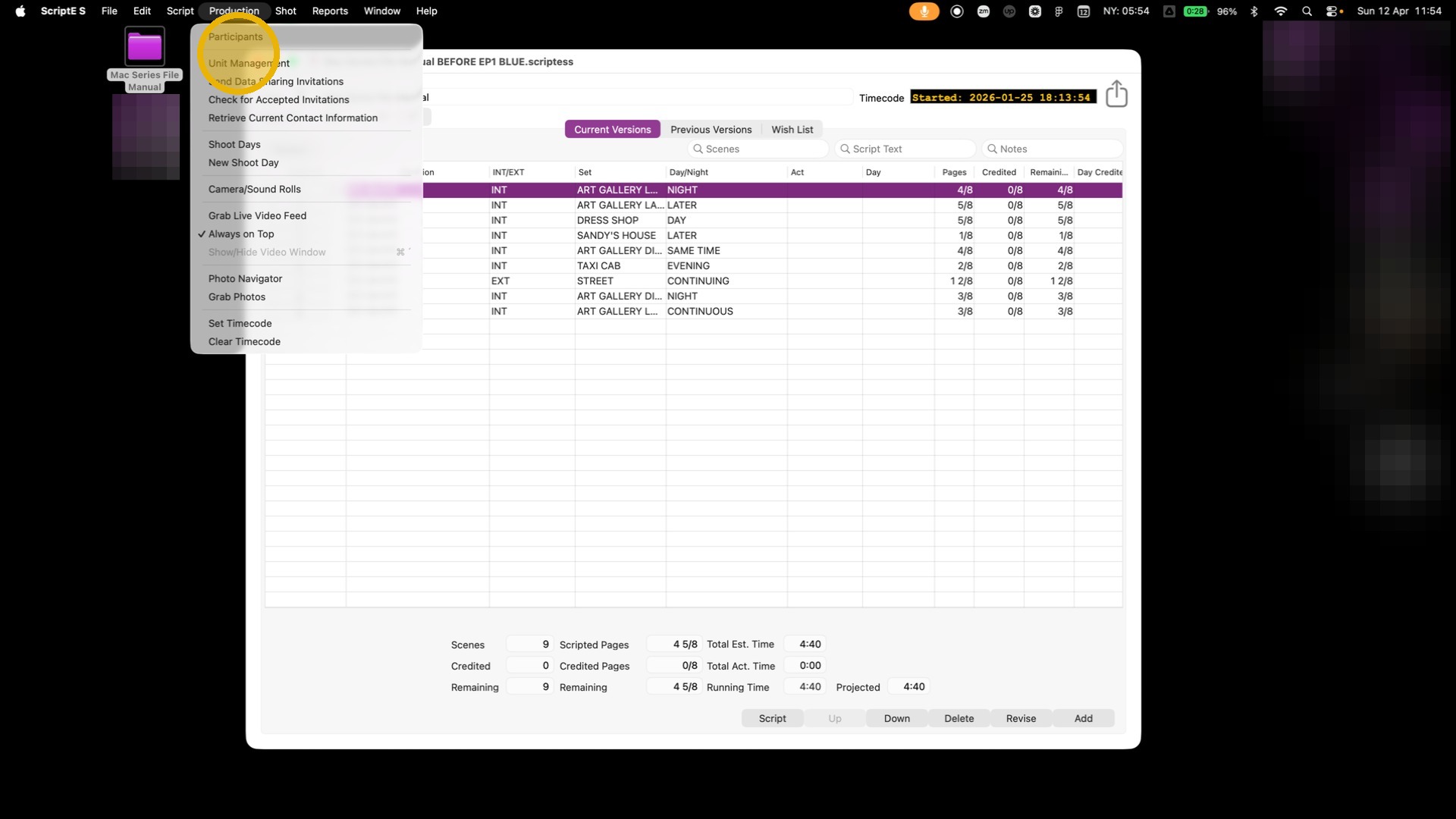
2. Click "Set Timecode"
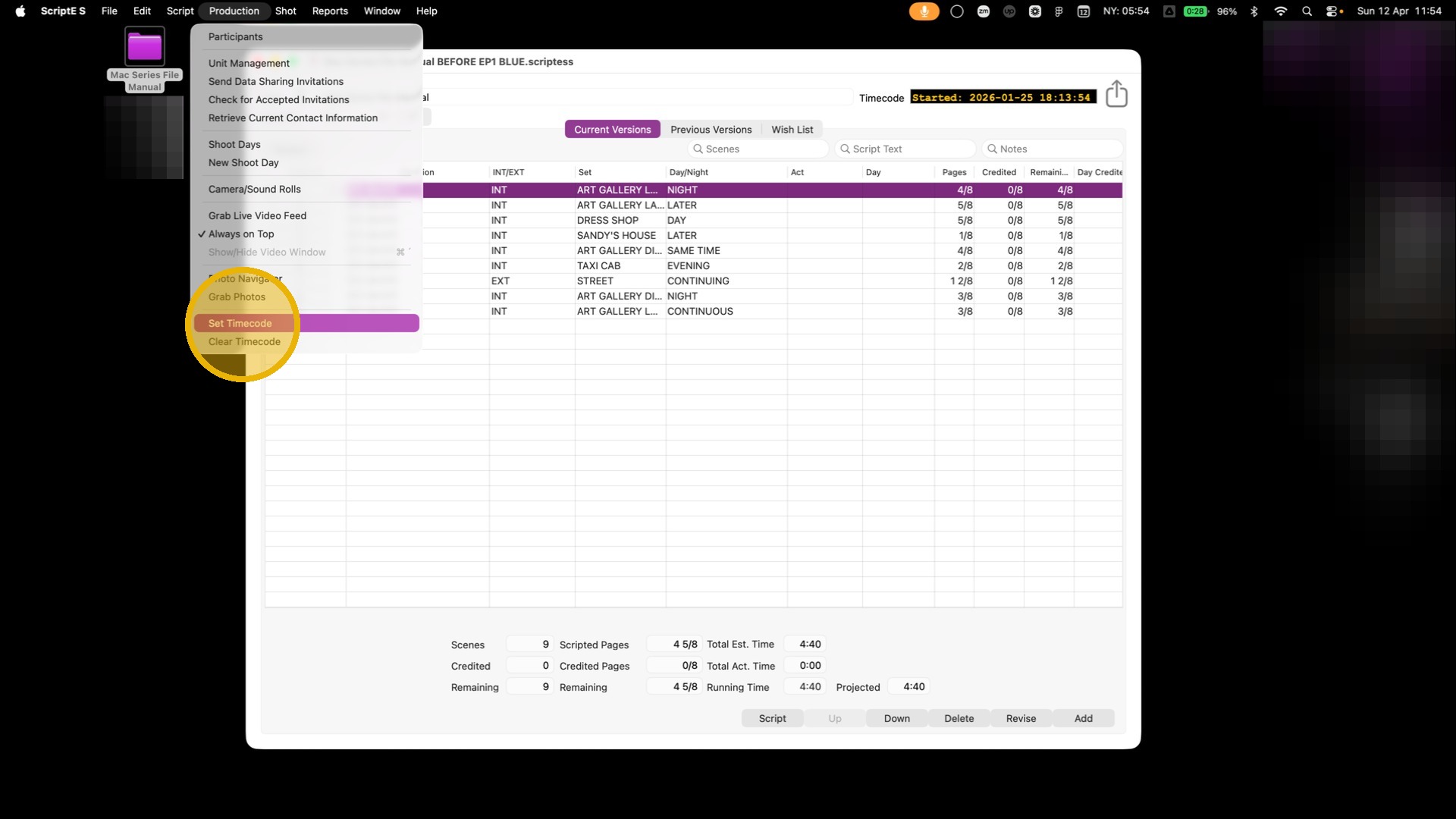
3. Click on the SOURCE DROPDOWN
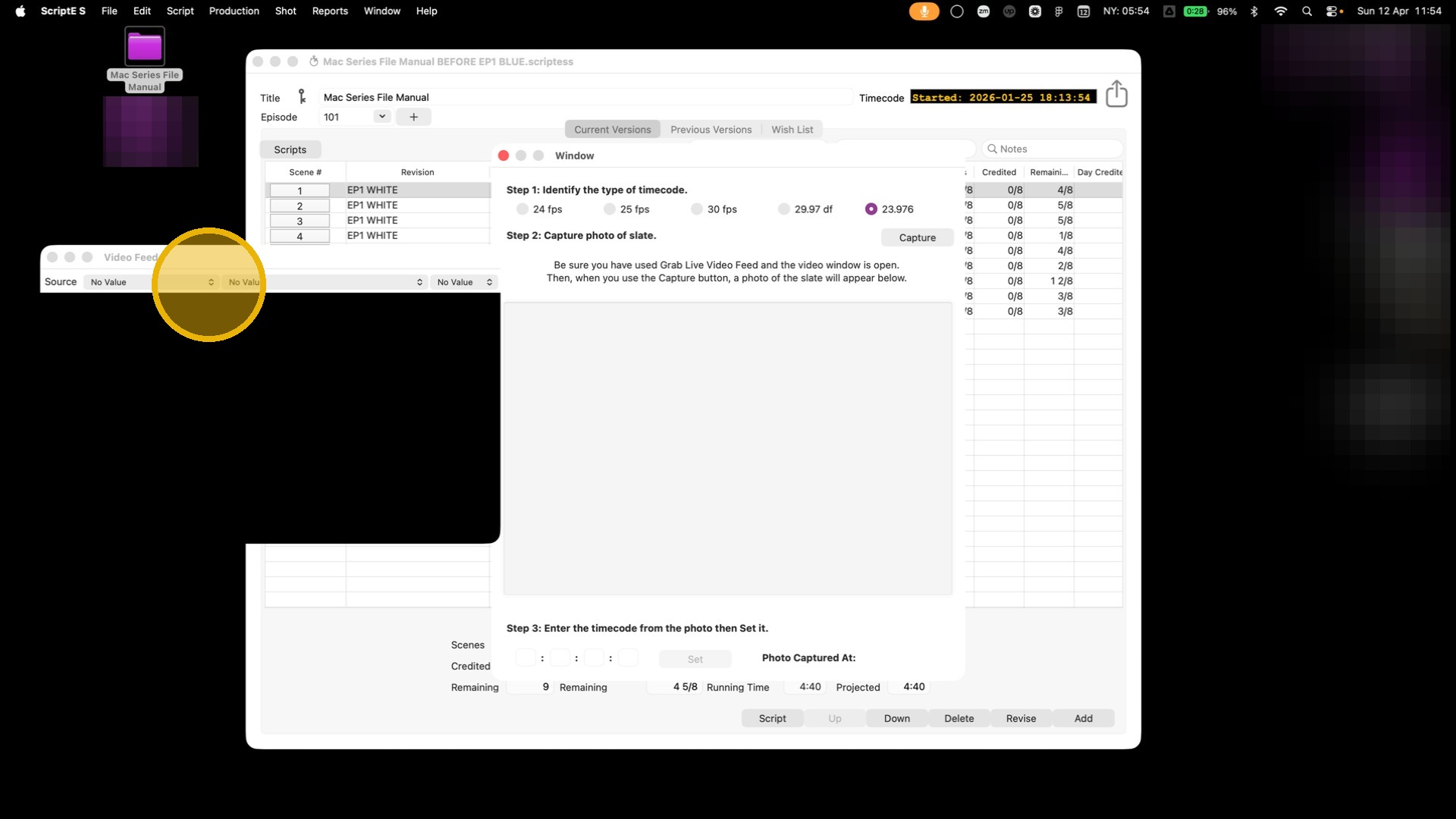
4. Select your input source.
If you do not use monitor connection, select FaceTime HD Camera.
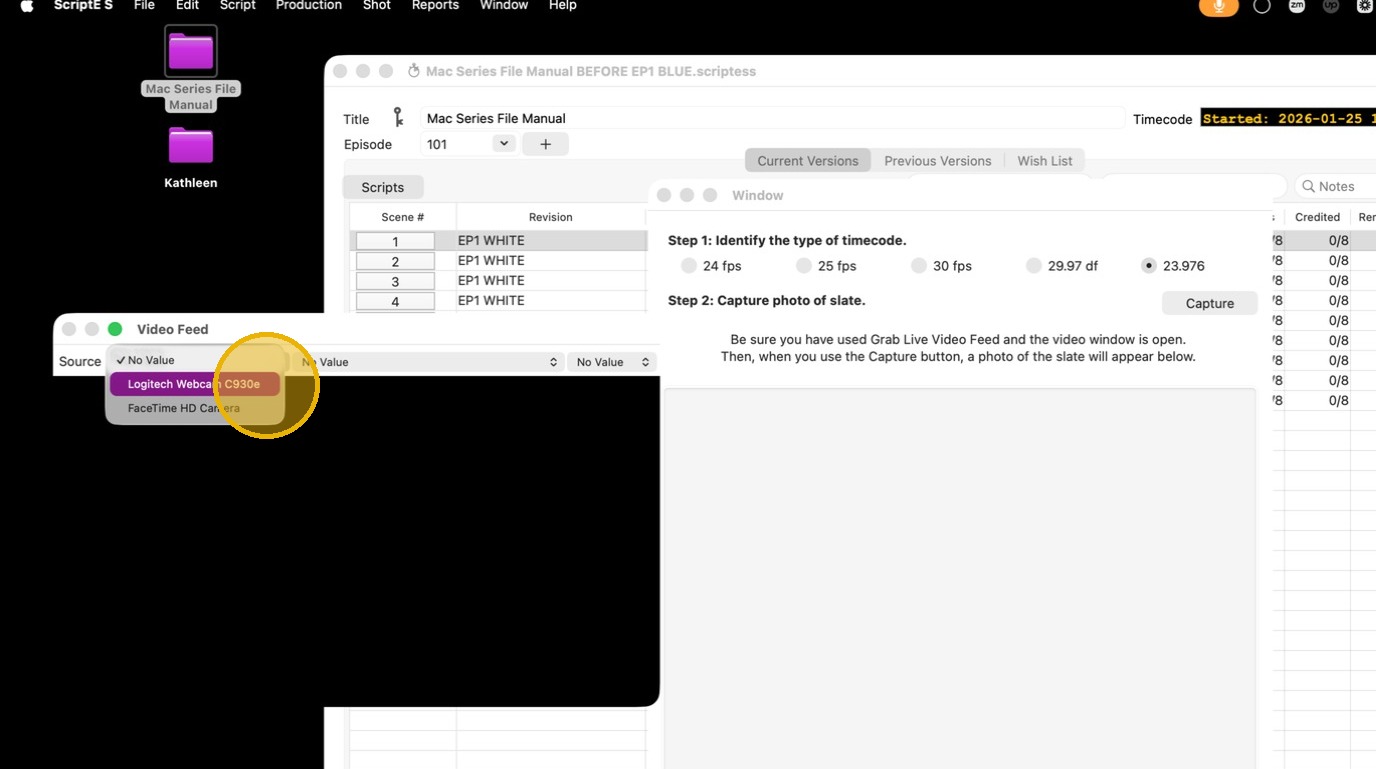
5. Follow the 3 step instructions.
Step 1: Identify the type of timecode. Select whichever one applies on your production.
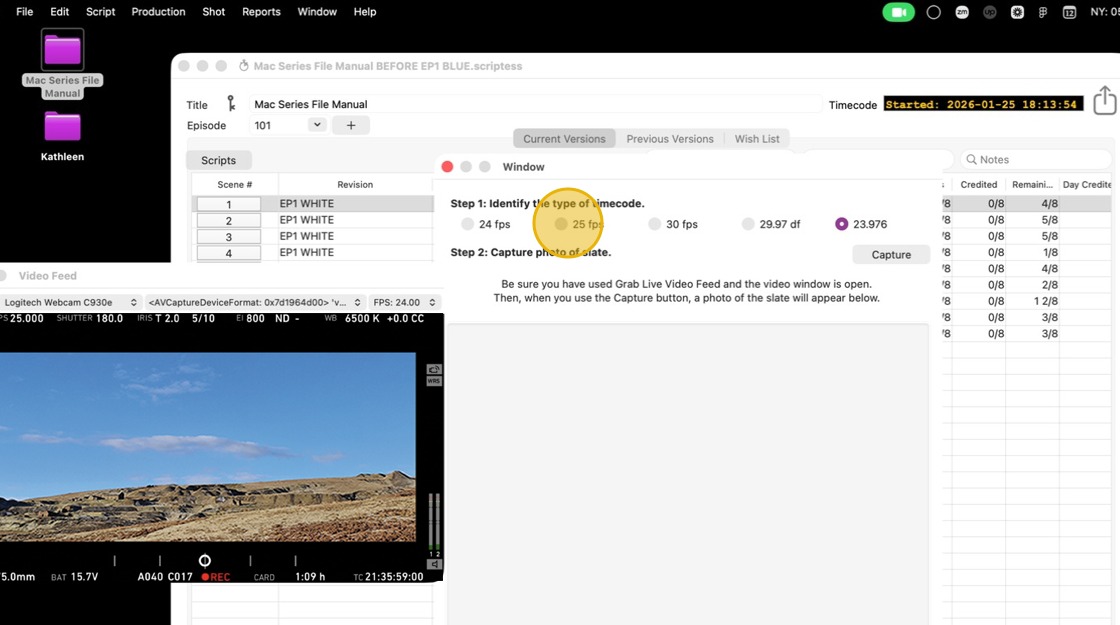
6. Step 2: Click "Capture".
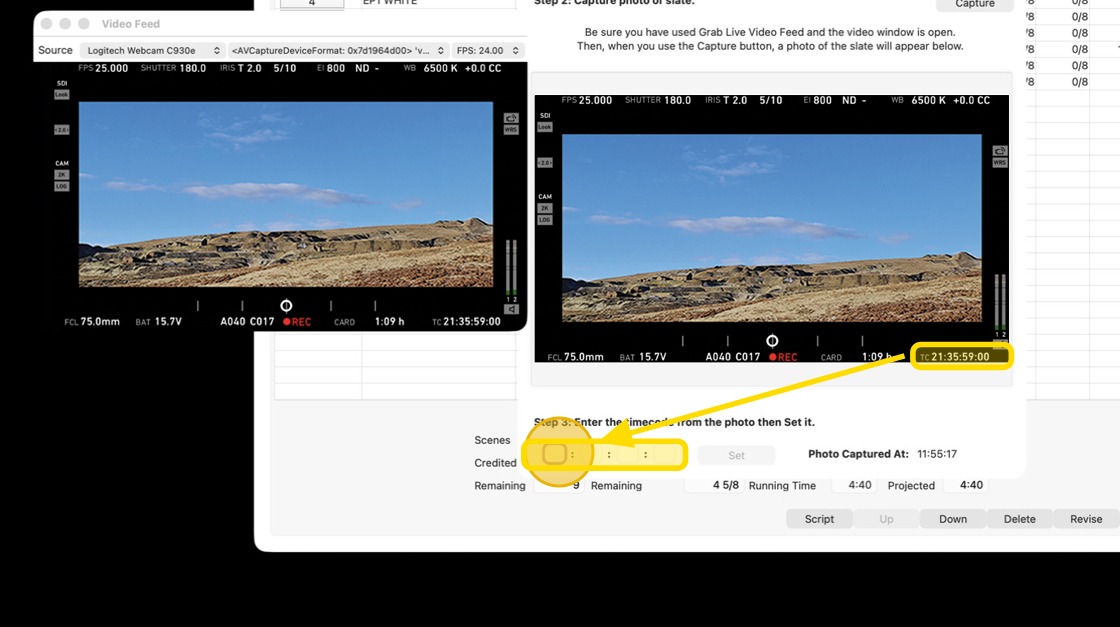
If you do not use monitor connection, use the computer's camera to take a photo of the TIMECODE.
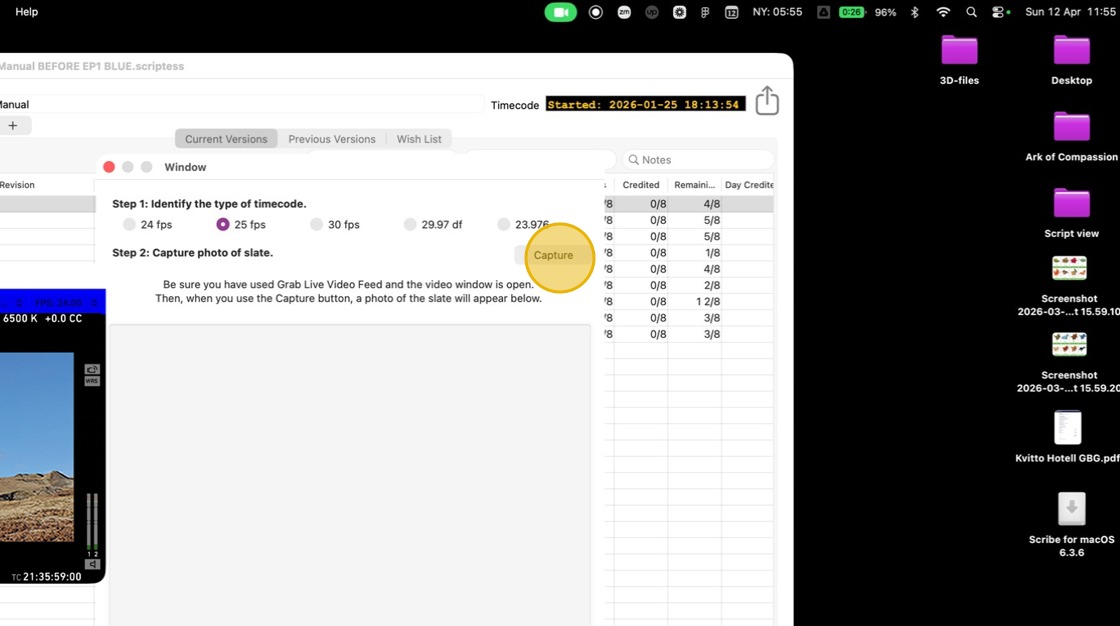
7. Go to step 3: Enter the timecode from the screenshot/image
8. Click "Set"
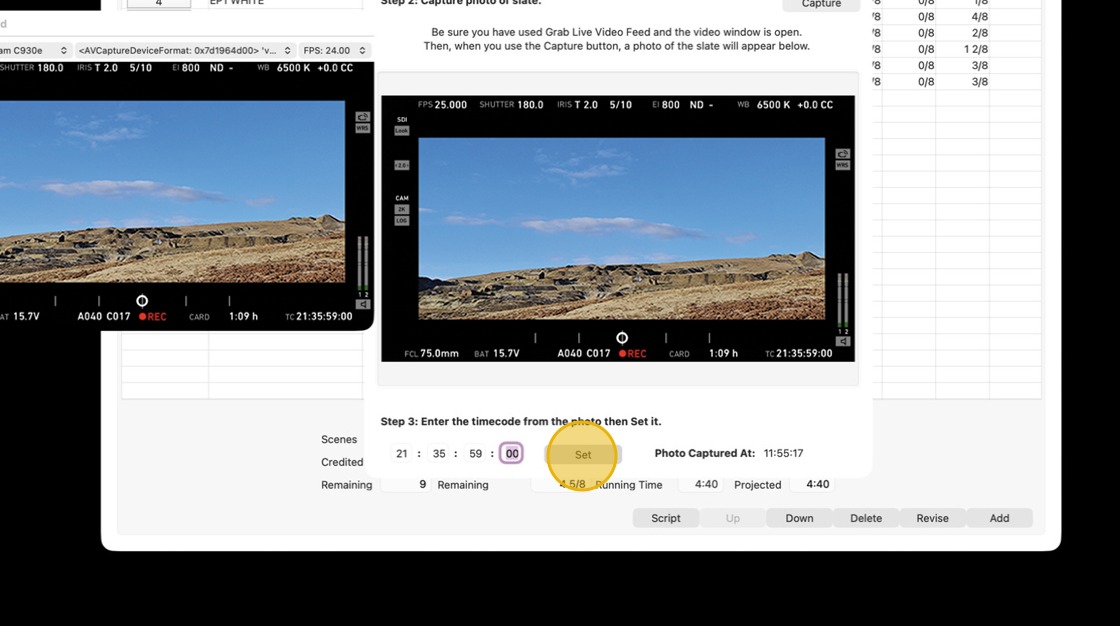
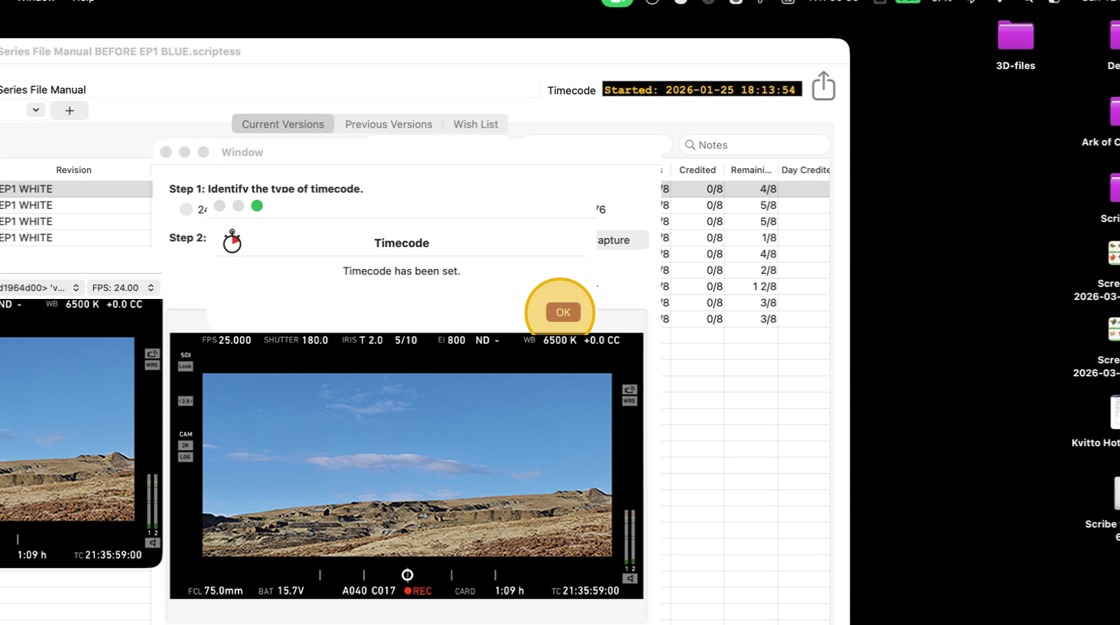
9. The timecode has been set. Click OK and close out of the menu,.