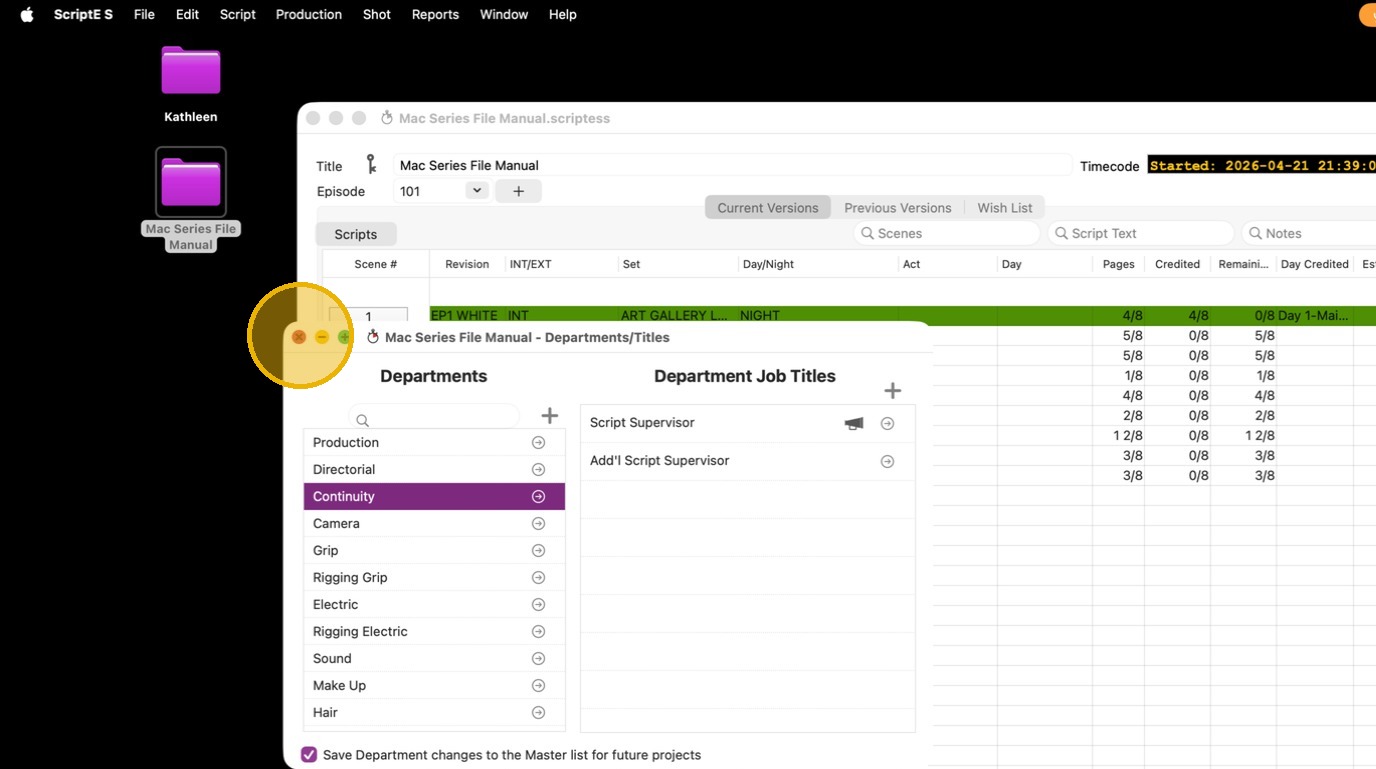
Scripte for Mac: Add/Remove Names and Titles from the Daily Progress Report
Remove a title group from DPR
1. Click "ScriptE S"
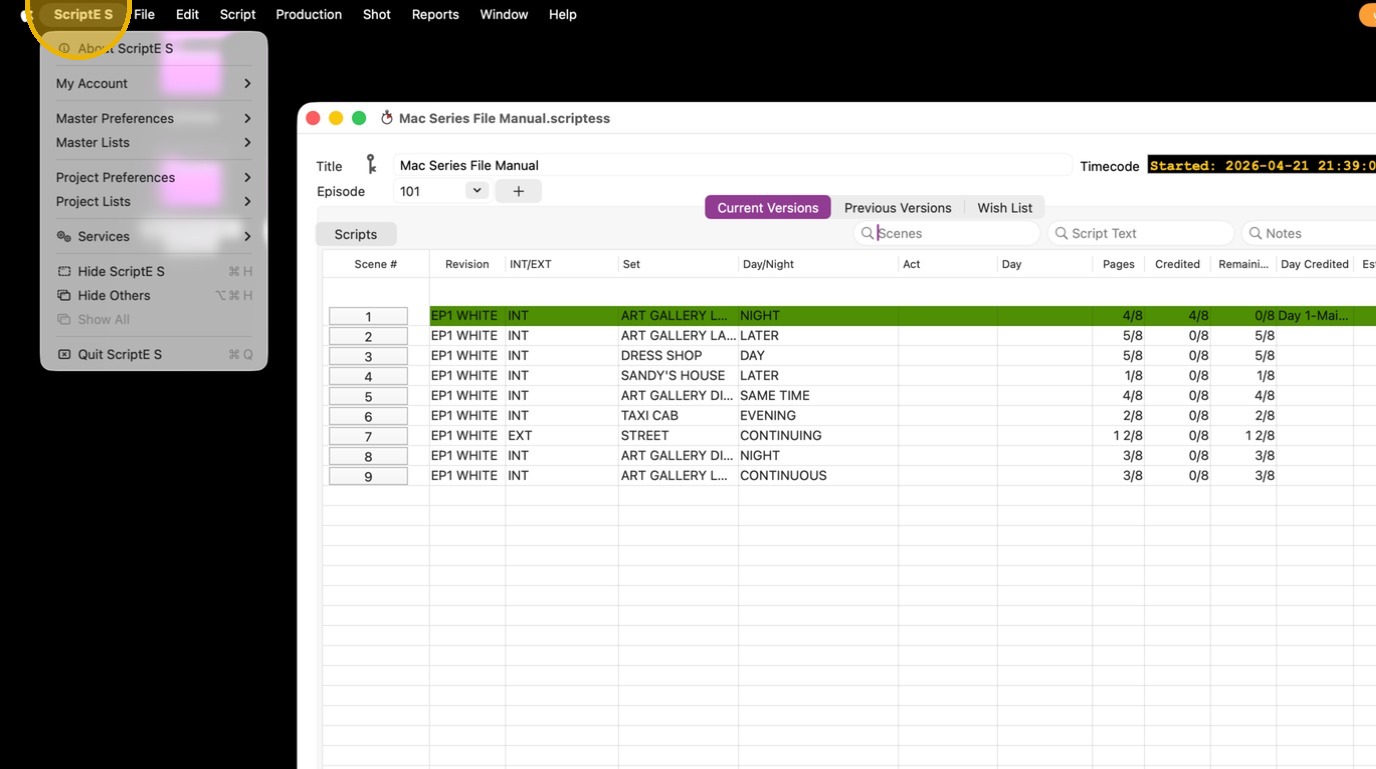
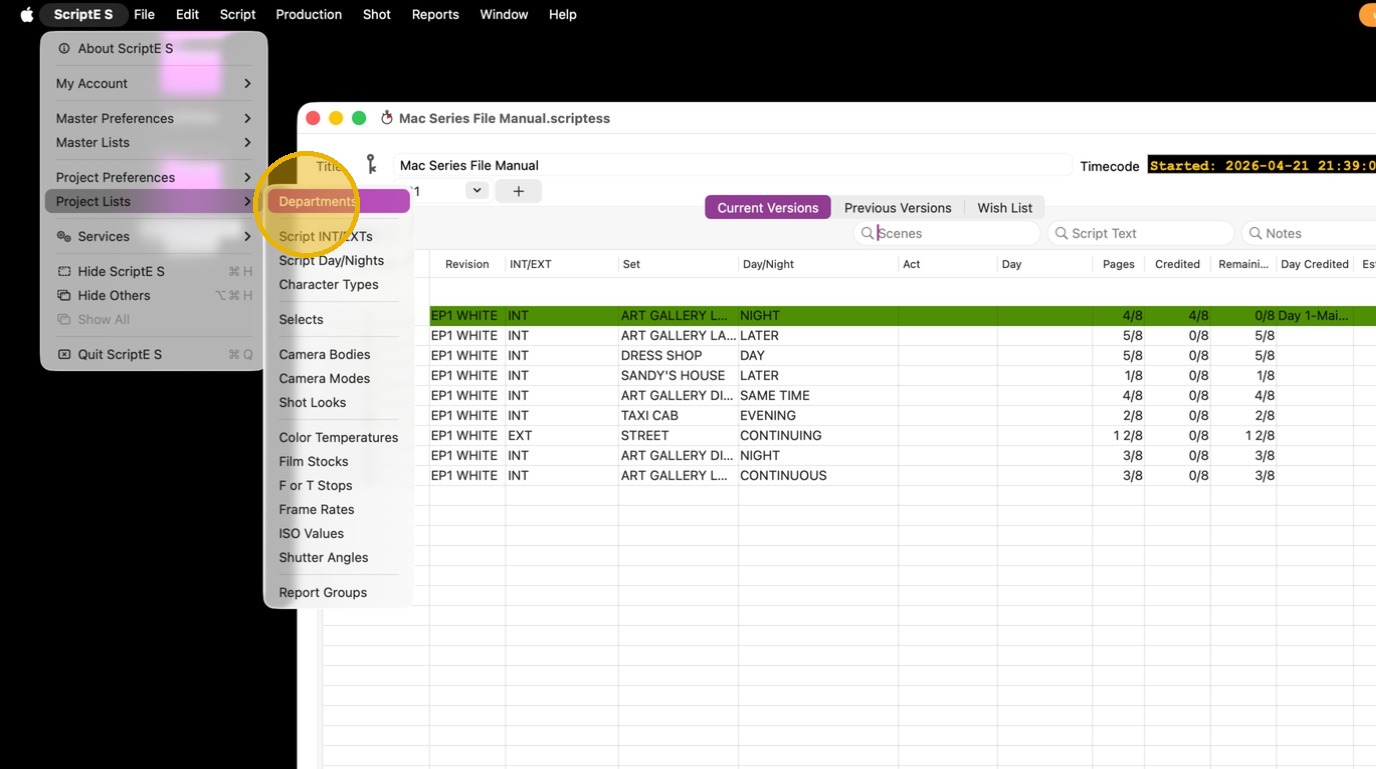
2. Click "Departments"
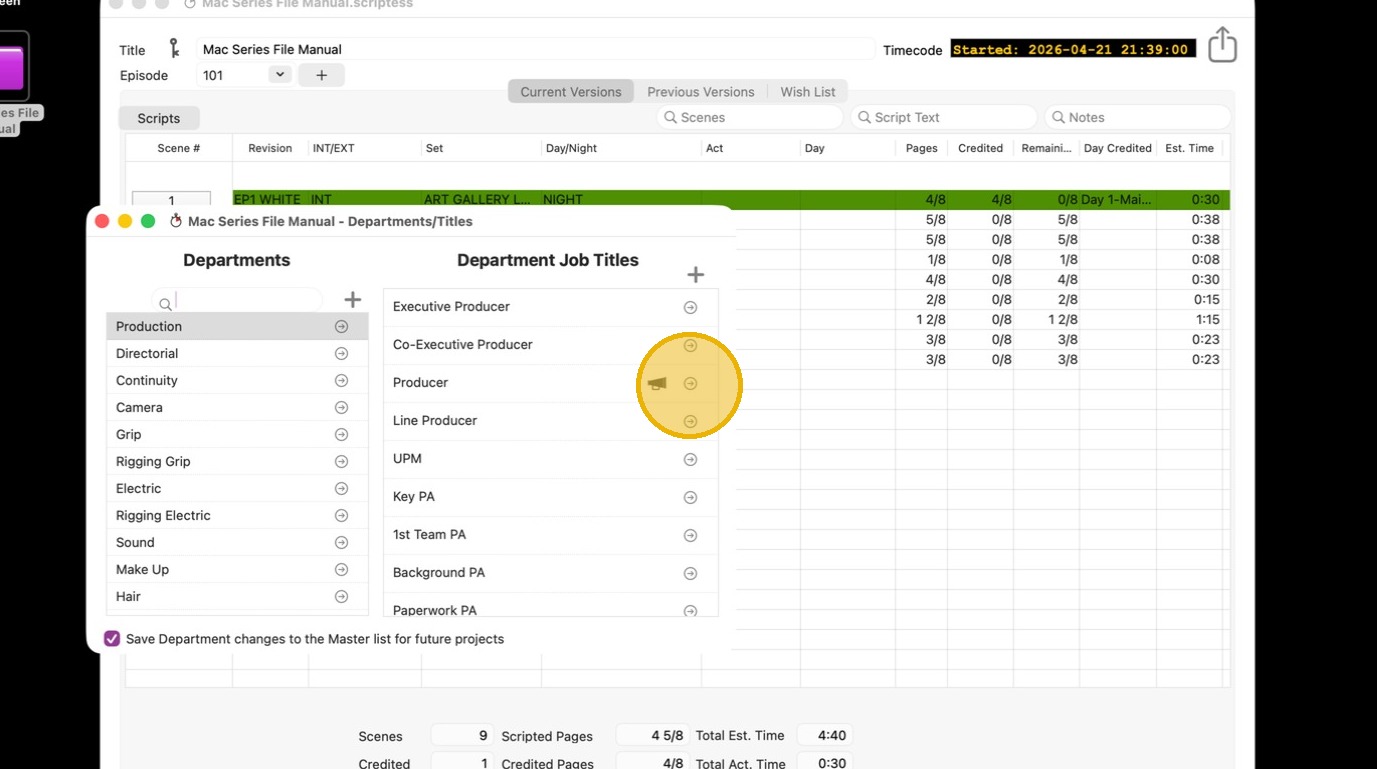
3. The MEGAPHONE ICON indicates that the title is included in the DPR
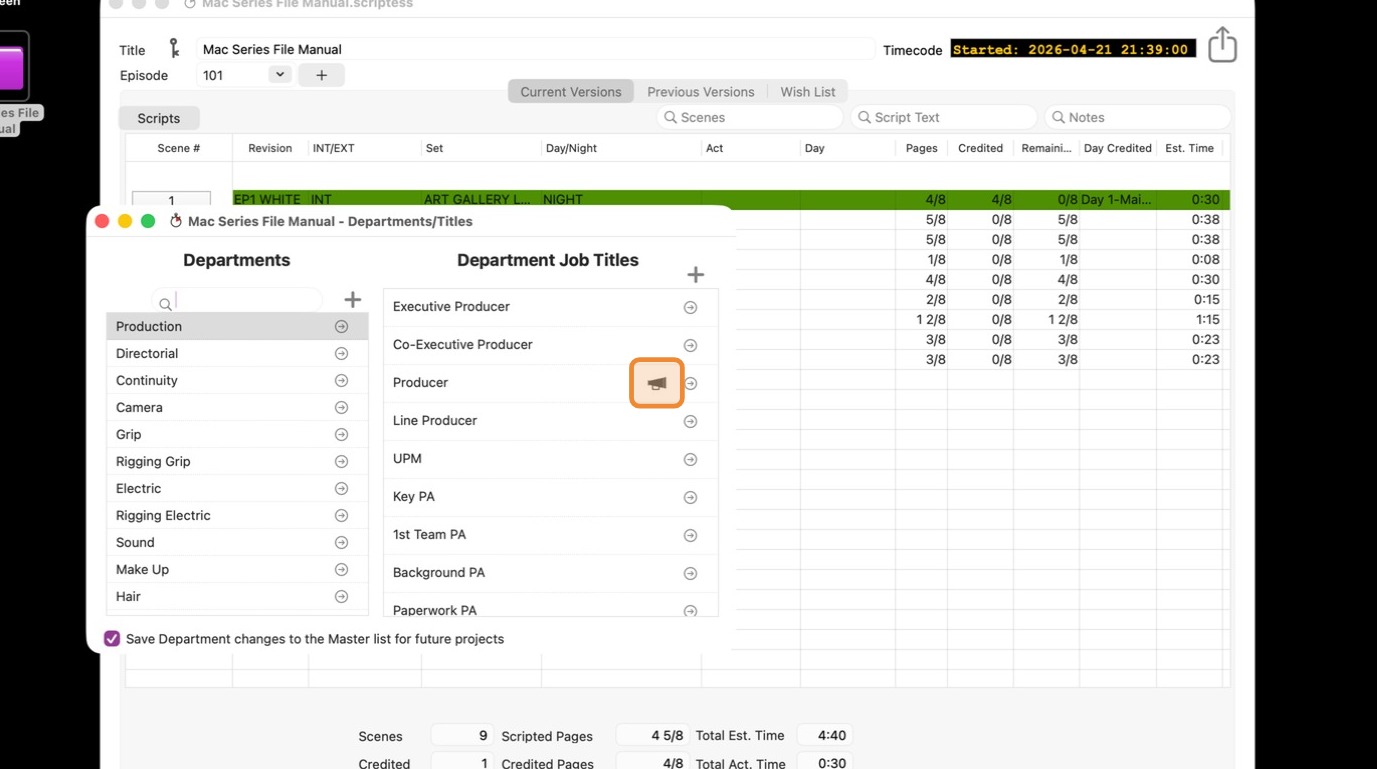
4. Click the CIRCLE/LINE icon or double click on the title that you want to exclude from the report.
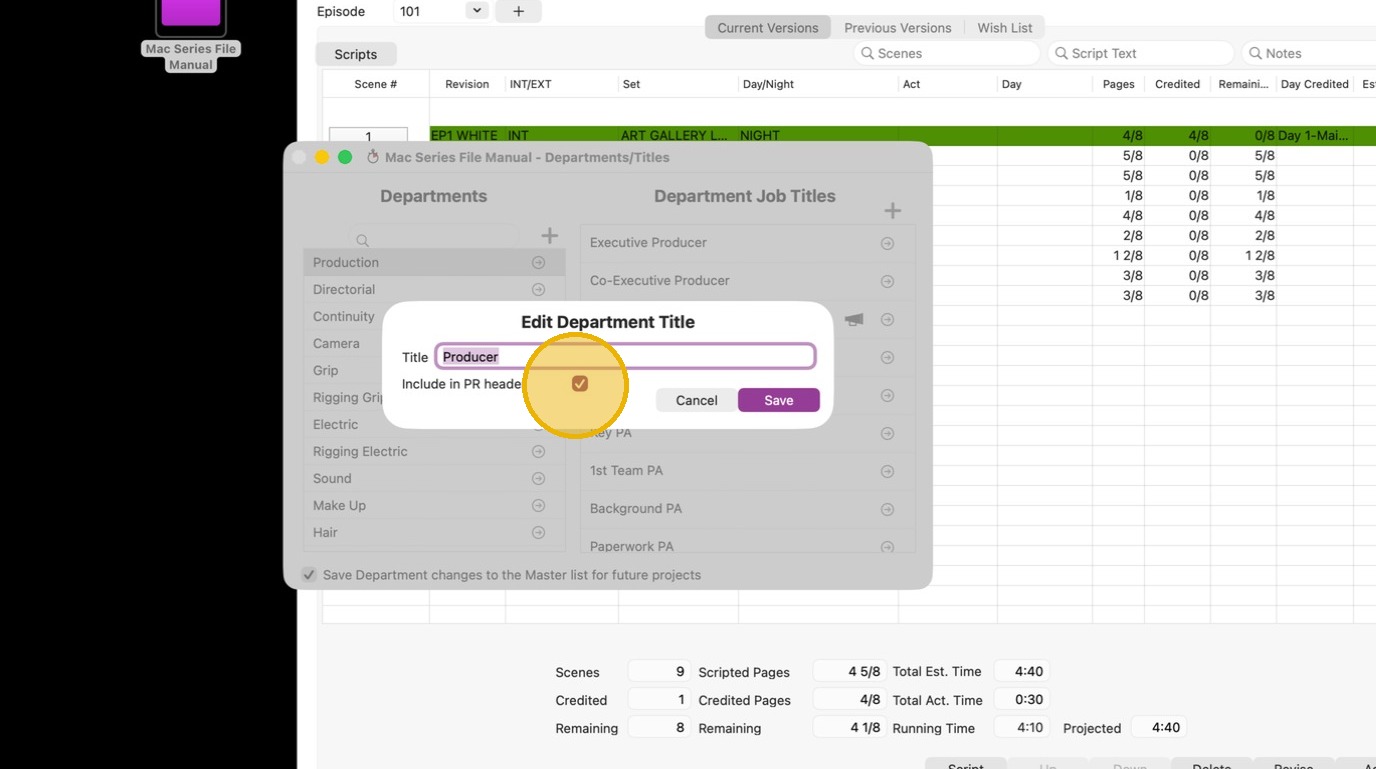
5. Untick "Include in PR header"
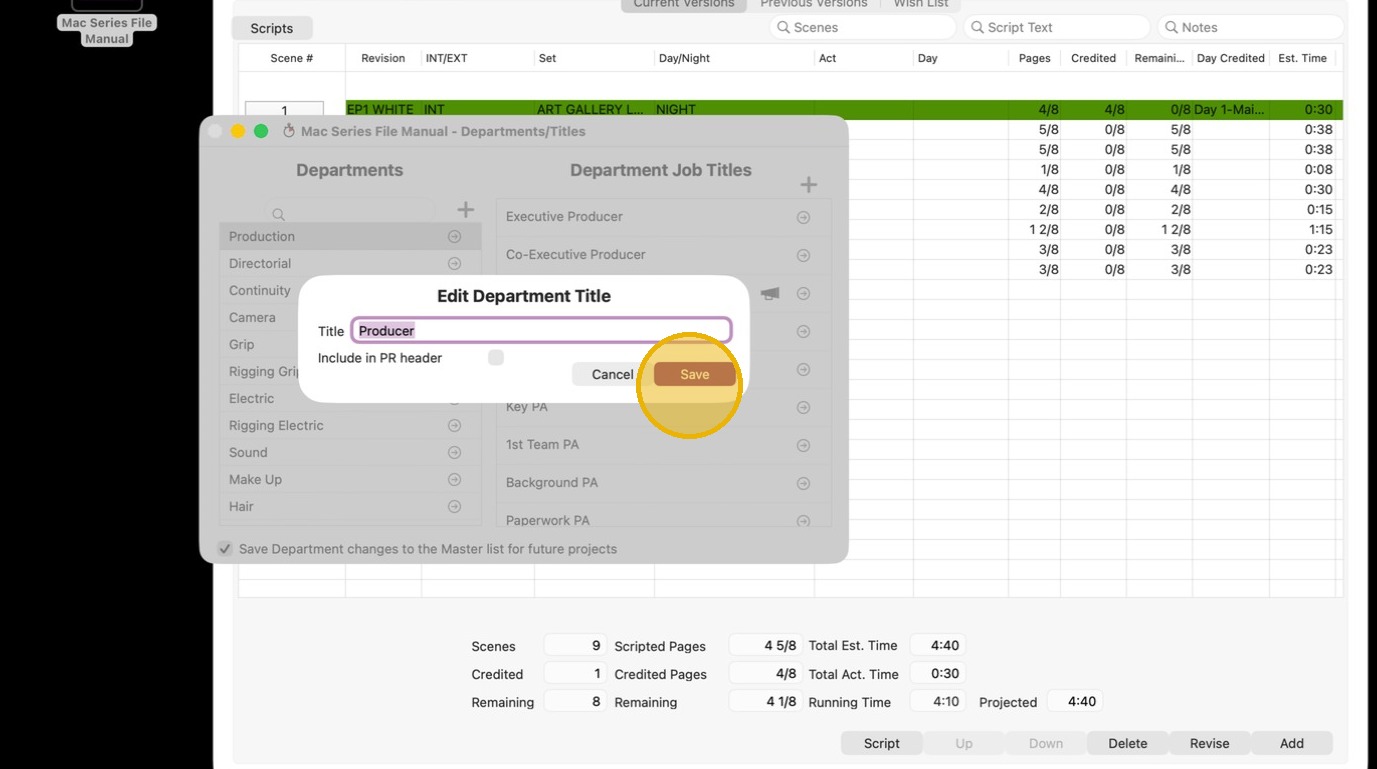
6. Click SAVE
Add a title group to DPR
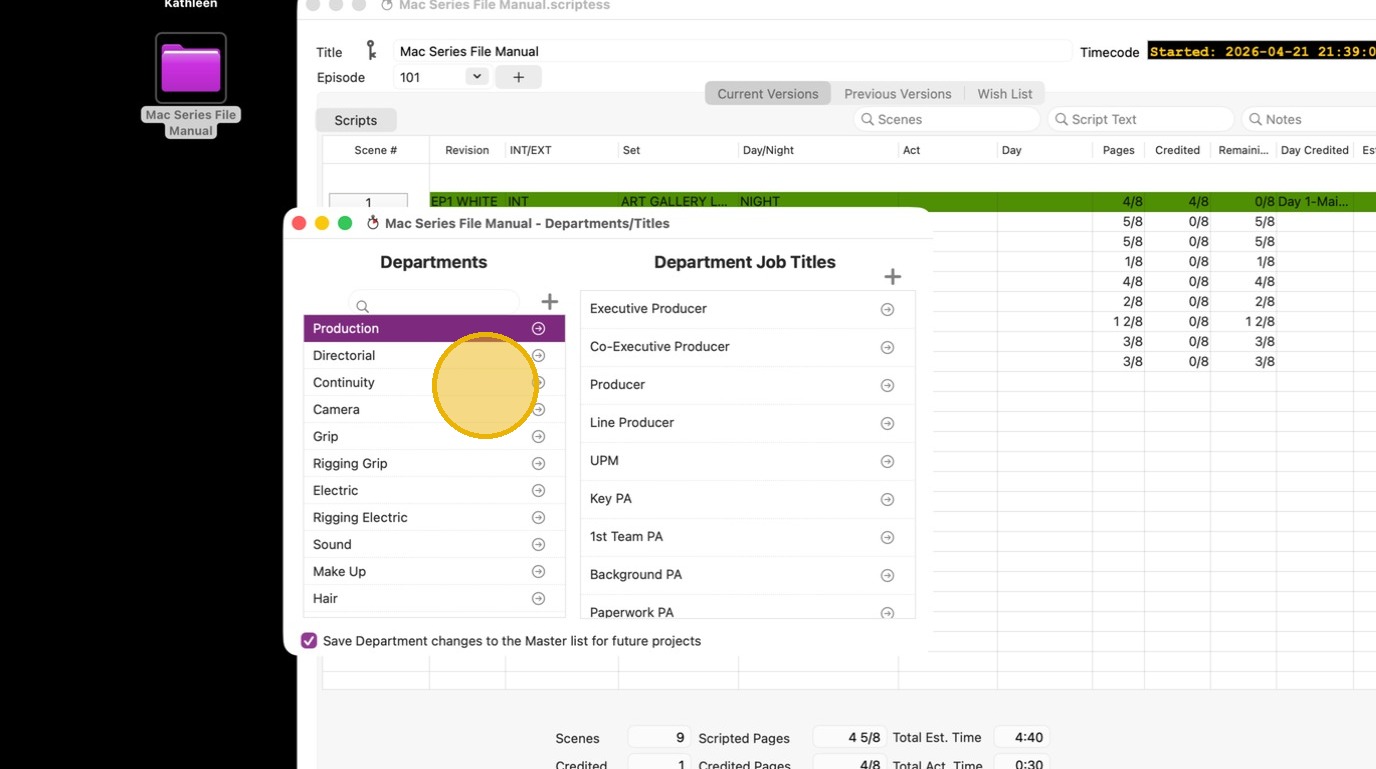
7. Select the department
8. Click "follow link"
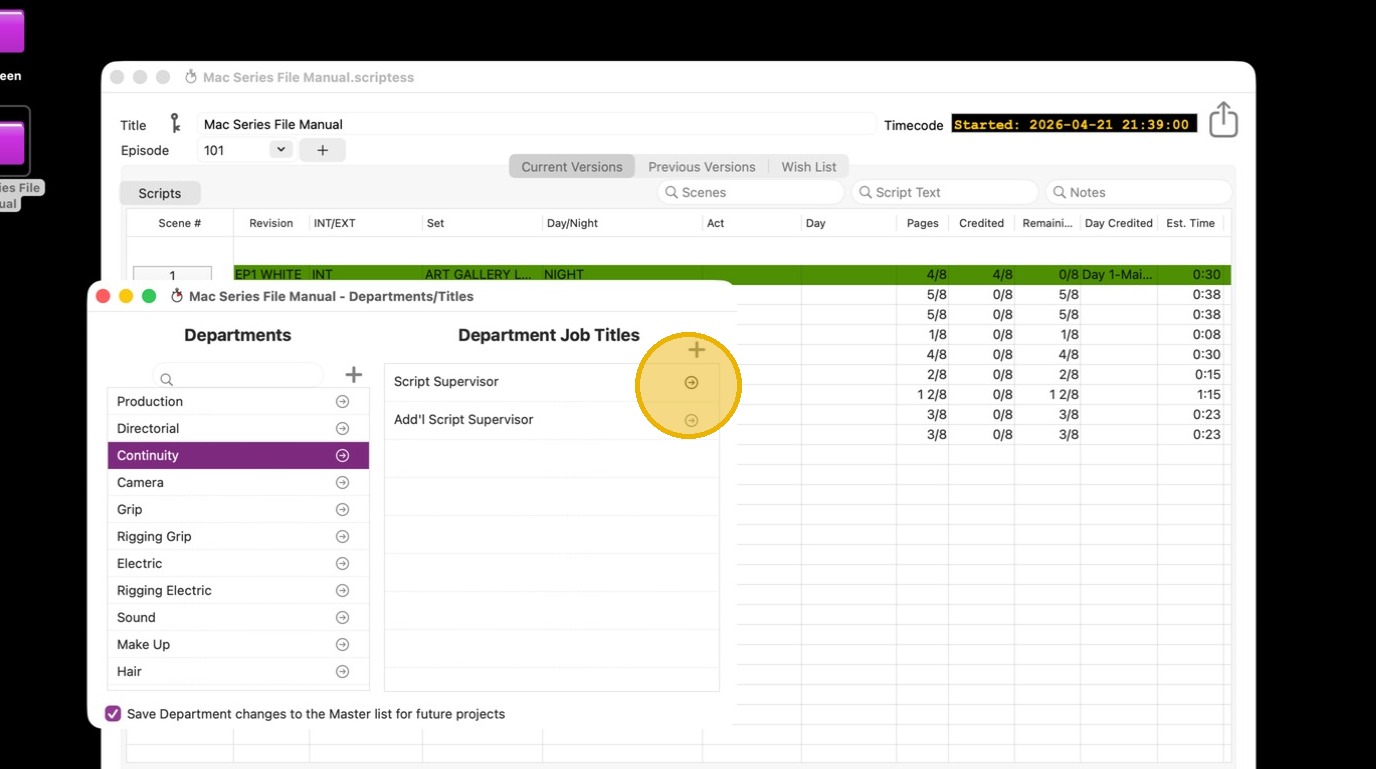
9. Click "Include in PR header"
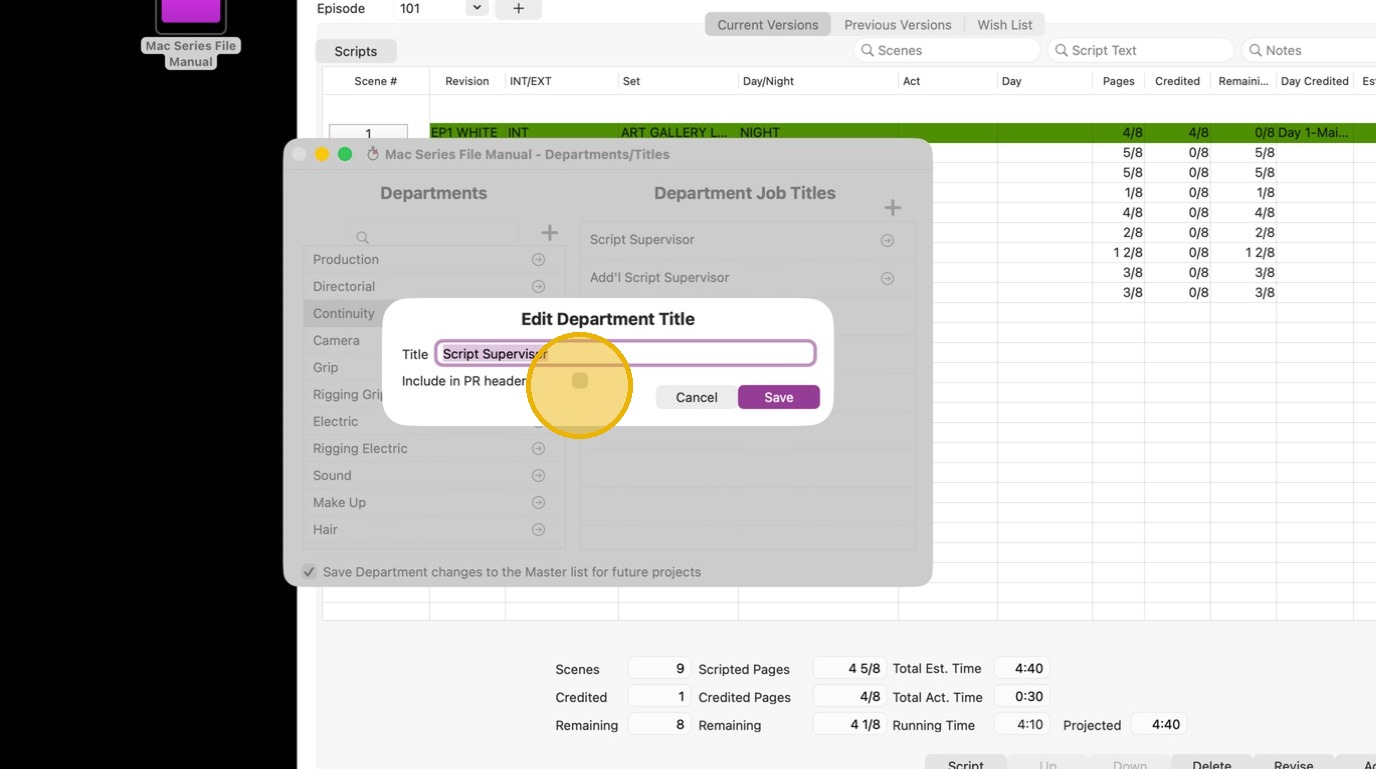
10. Click "table"
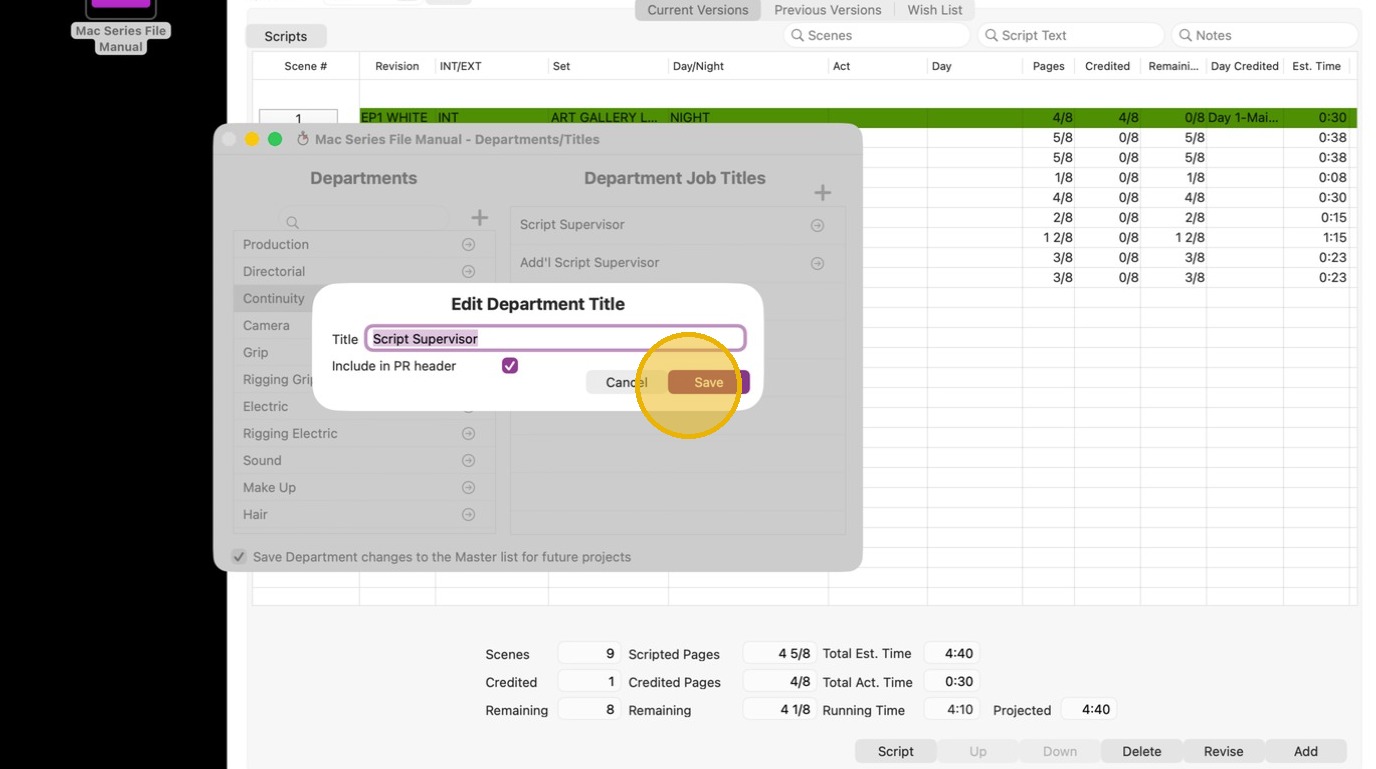
11. Click "close button"