ScriptE for iPad: Export Different Combinations of Combined or Separate Facing Pages & Lined Script
1. Export Method A: SAVE from Reports Menu
Tip: Use this method to distribute reports by uploadning to shared drives such as Box, Dropbox, Google Drive and similar.
1. Step
2. Tap here.
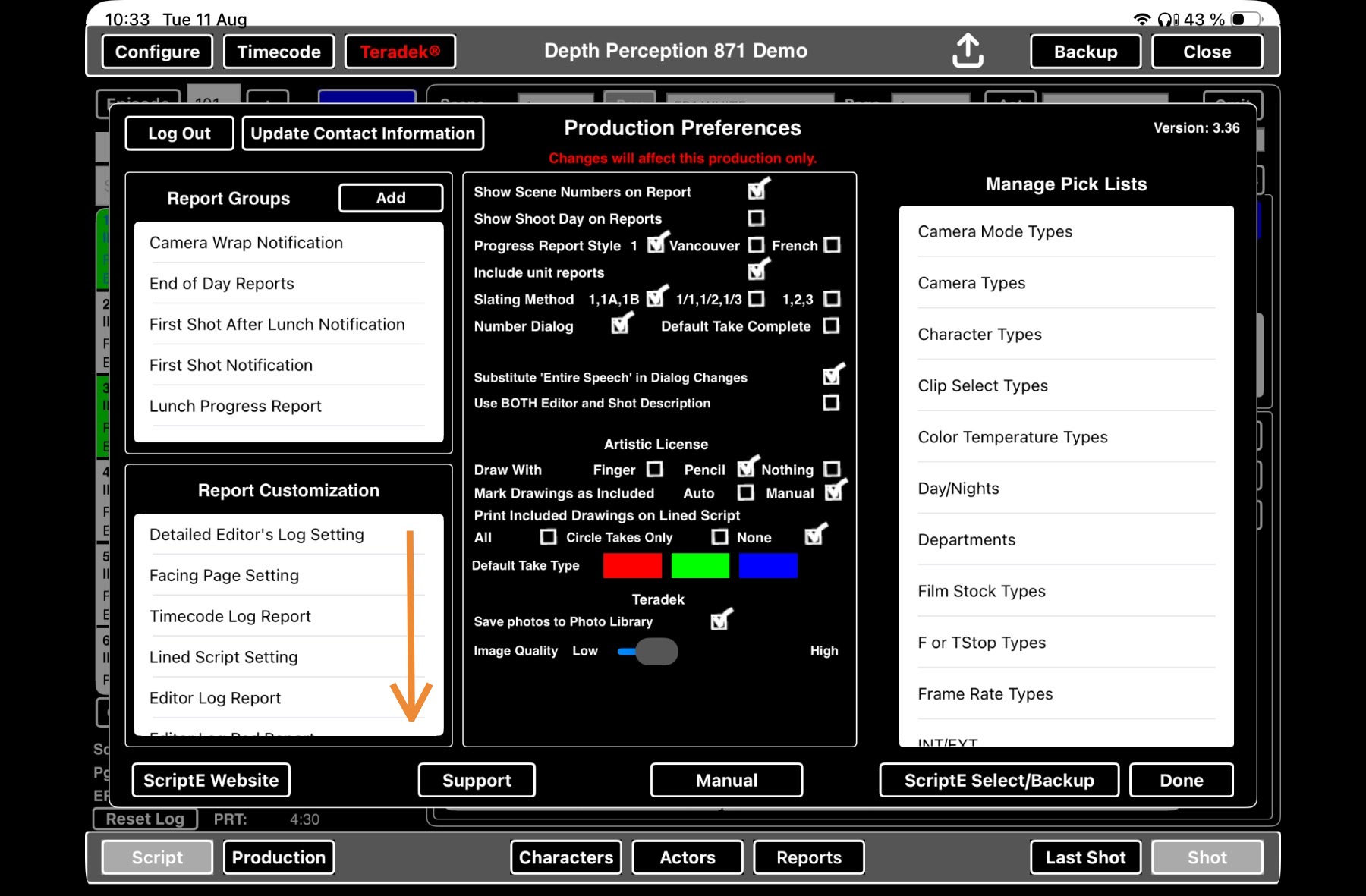
3. Step
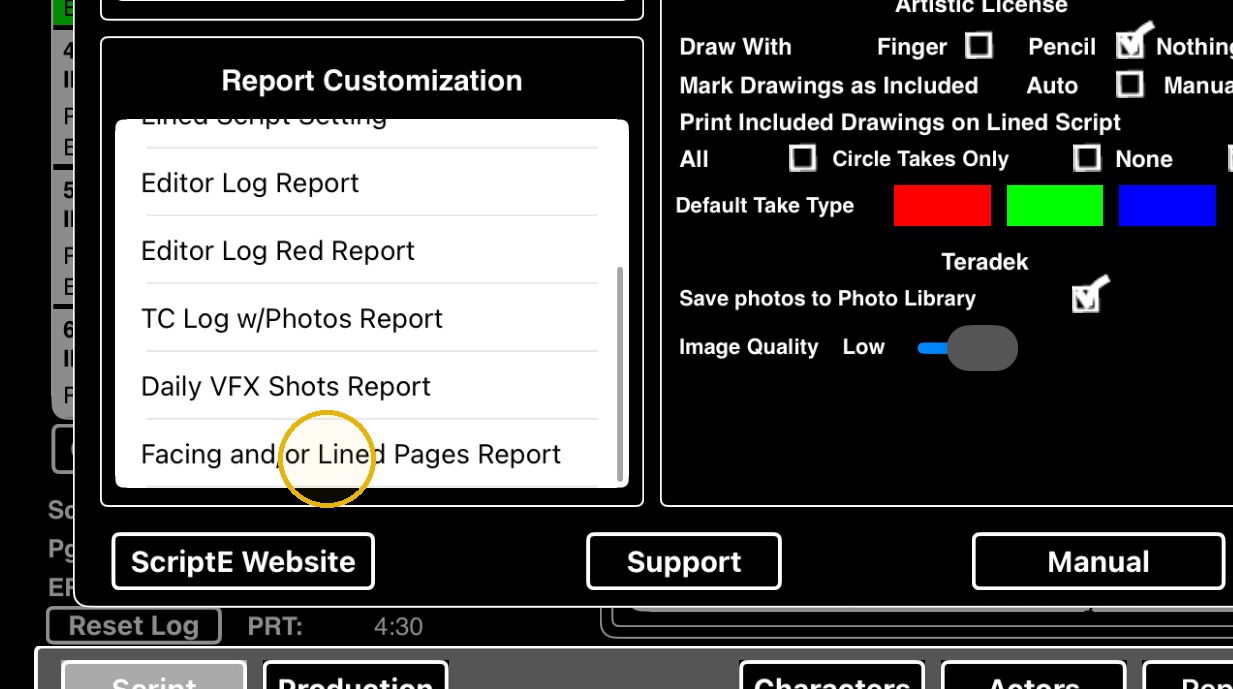
4. Tap here.
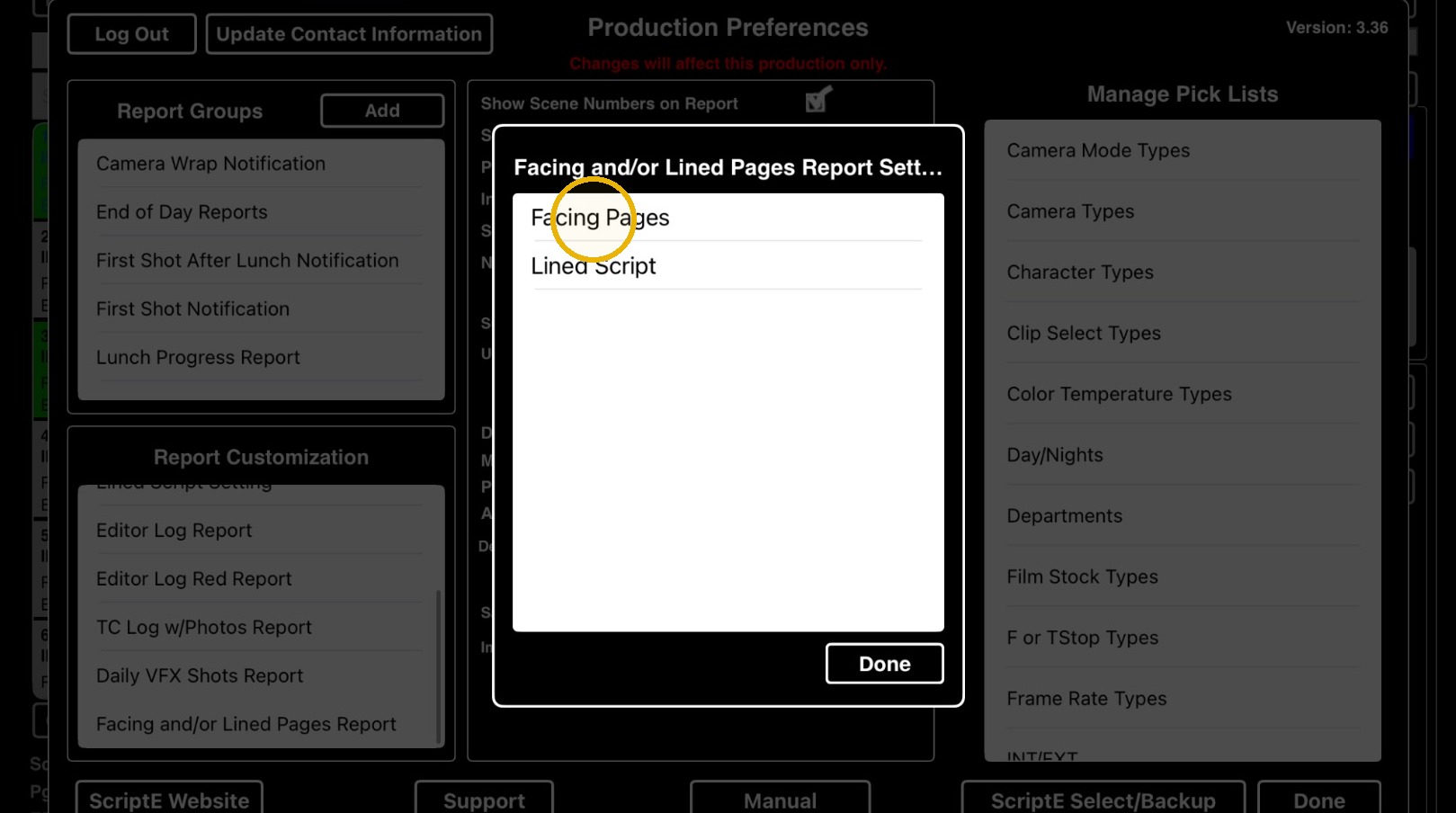
5. Step
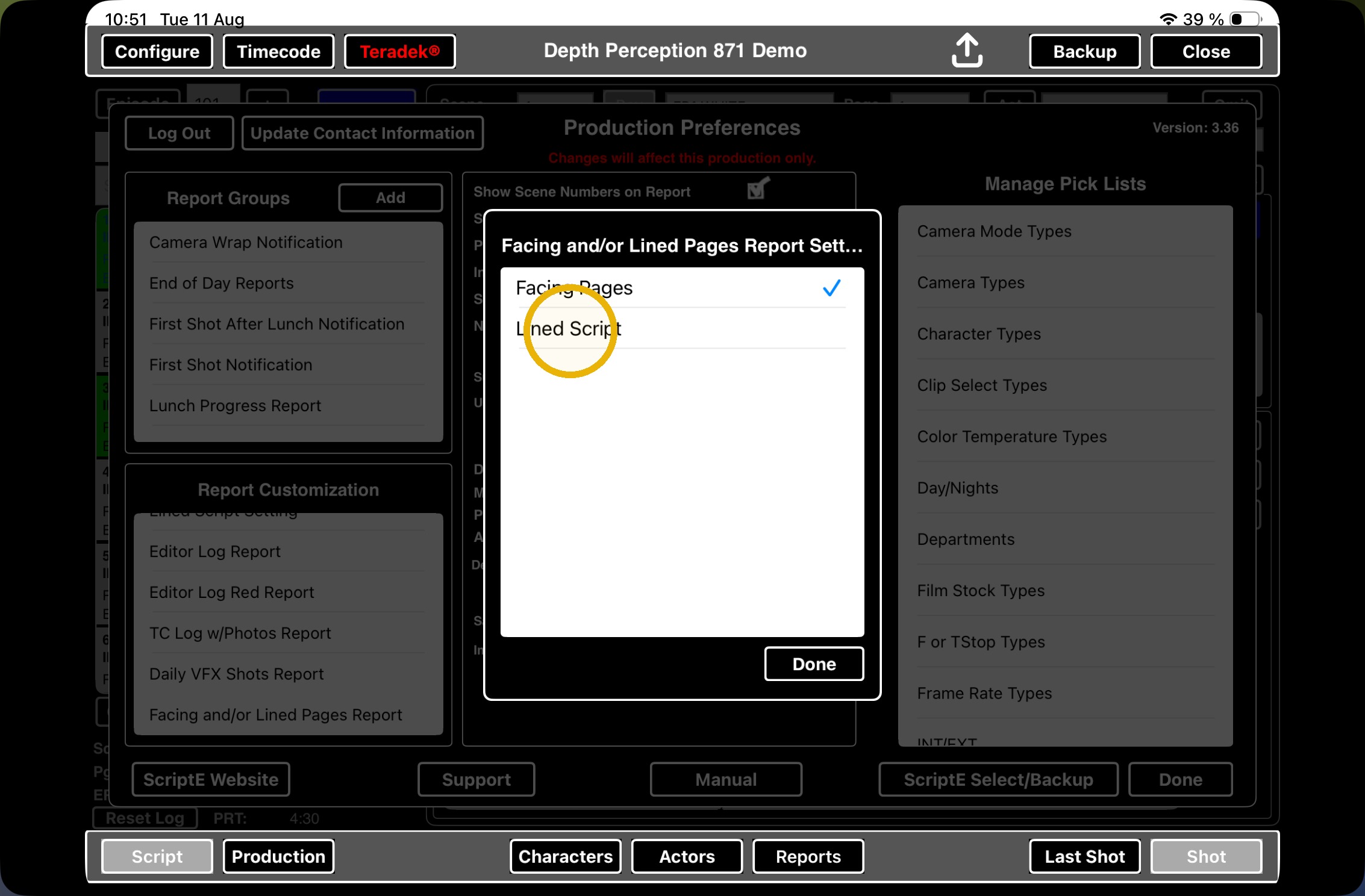
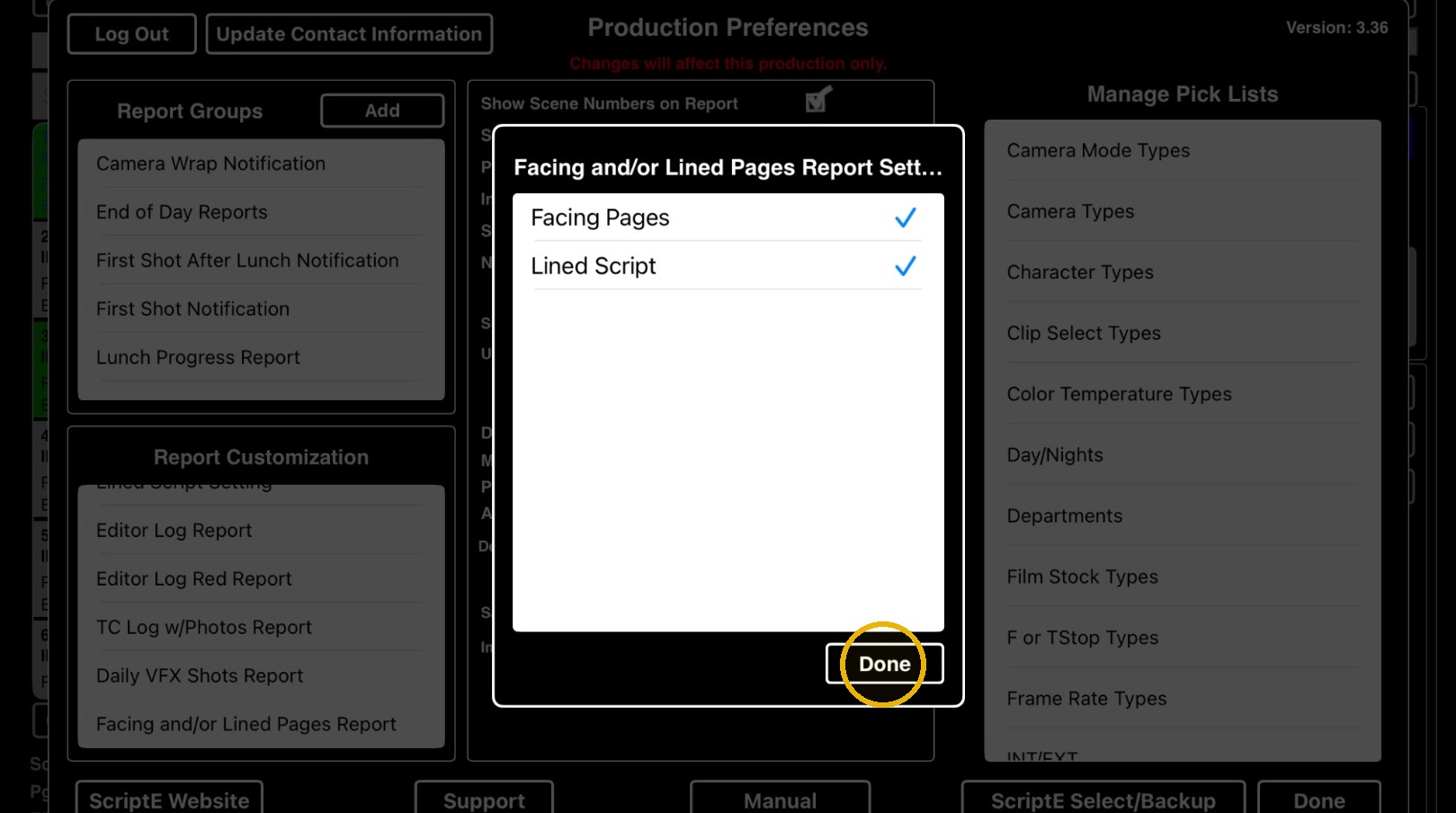
6. Click DONE to dismiss the window.
ScriptE will now generate both
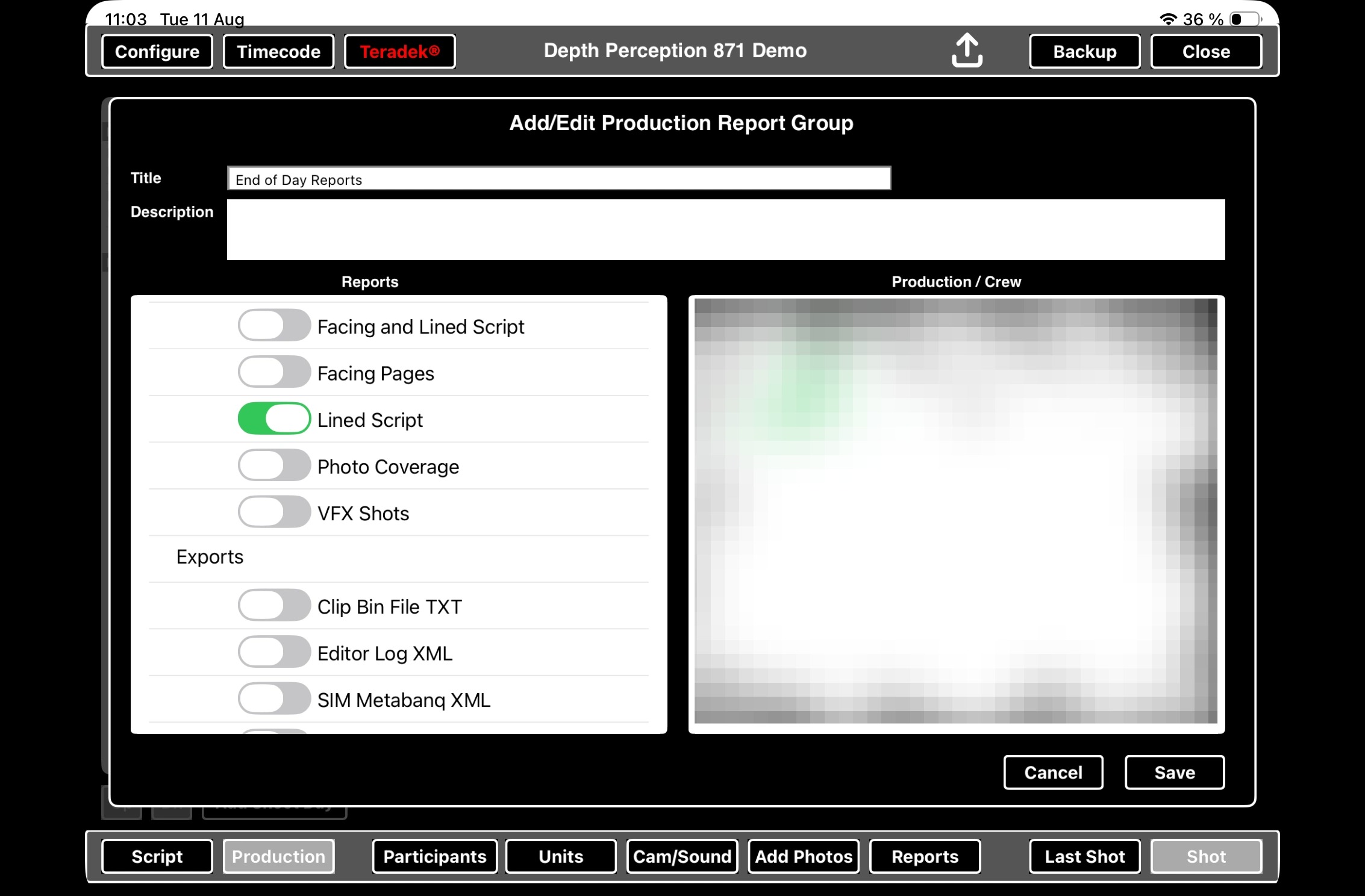
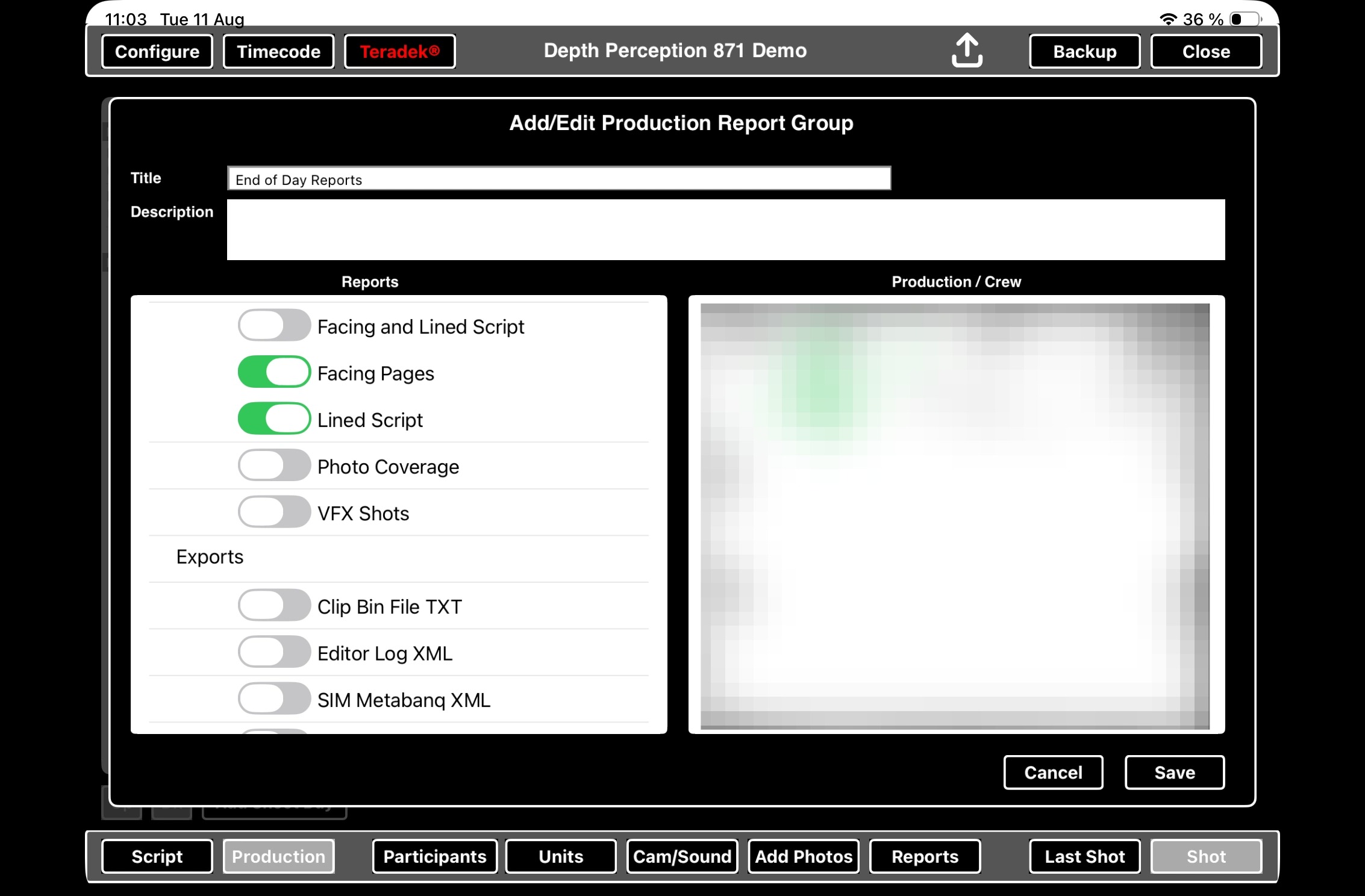
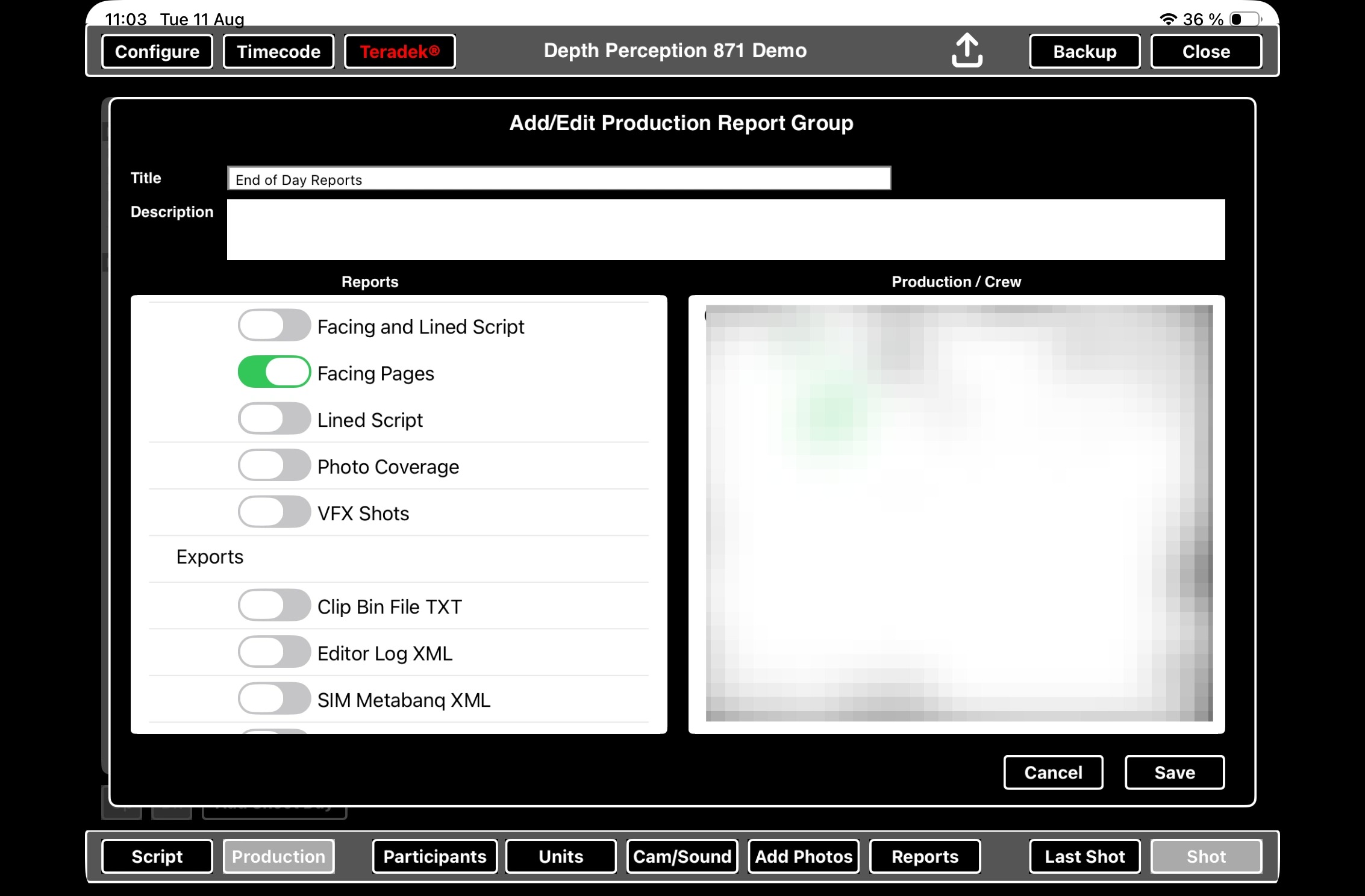
- Combined Facing Pages & Lined Script
- Separate Facing Pages
- Separate Lined Script
2. Export Method B: Report Groups
Tip: Use this method to distribute reports via email.
Tip: Tip! See separate manual on how to manage report groups, including adding new report groups.
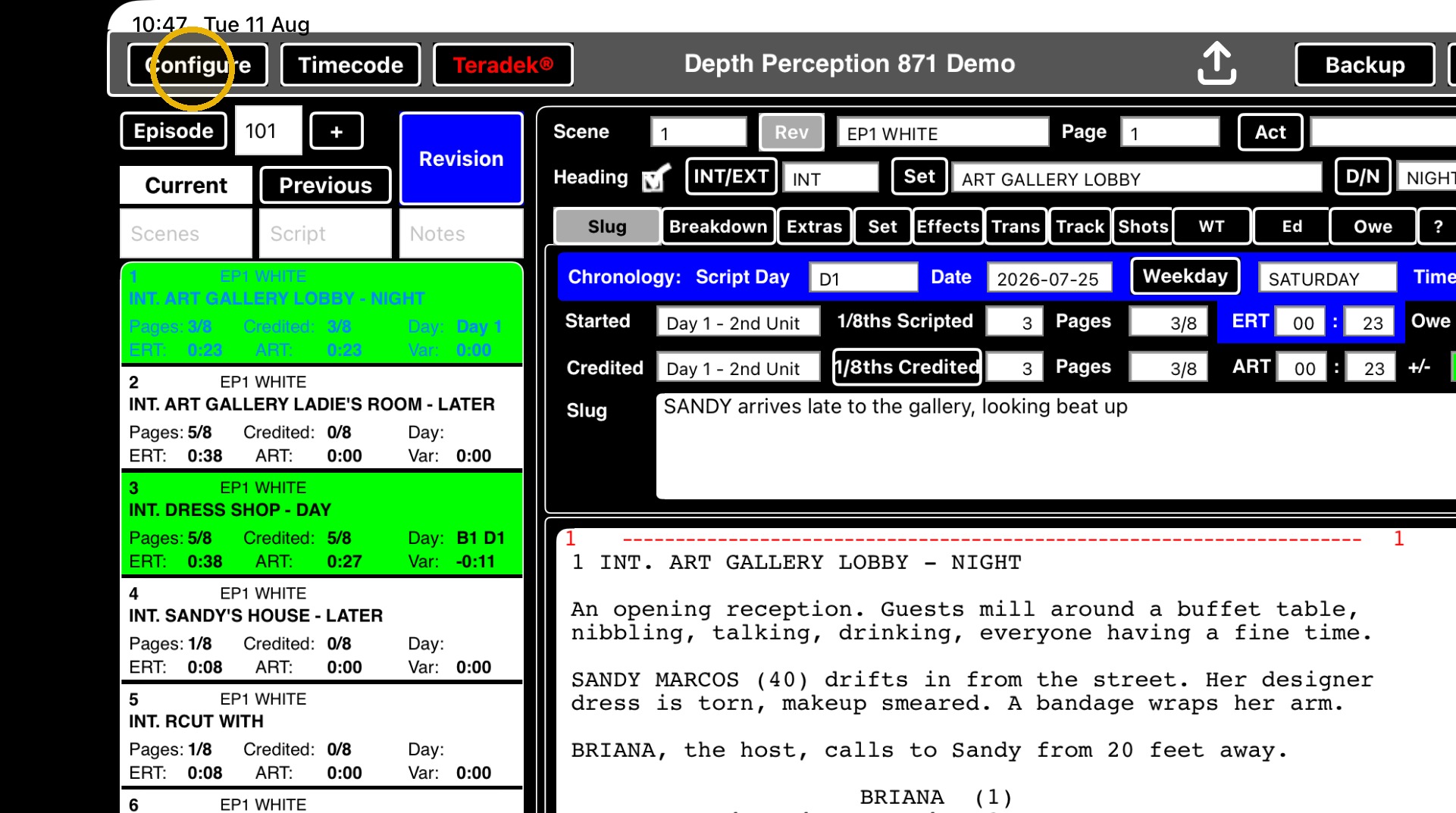
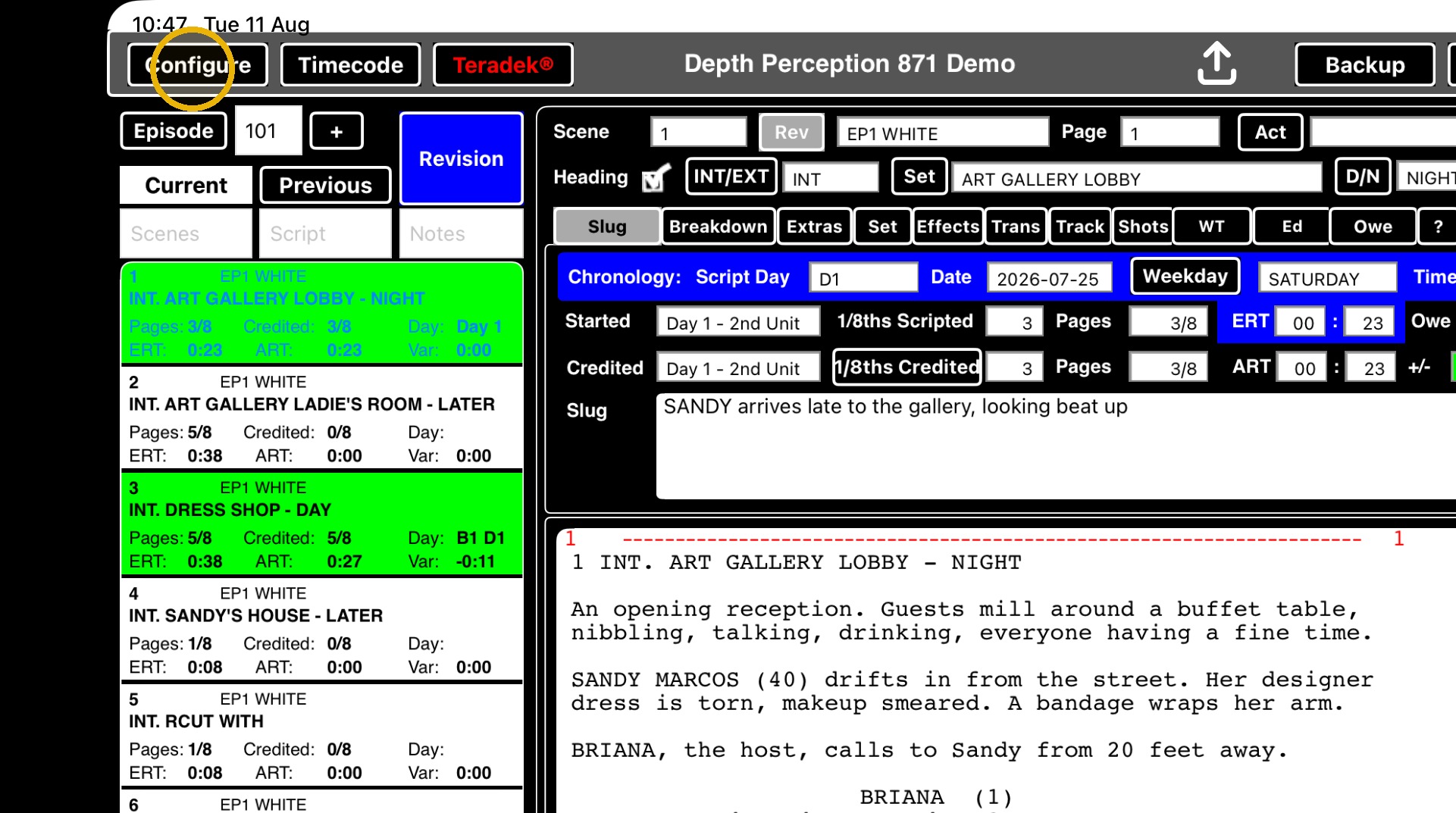
7. Go to CONFIGURE.
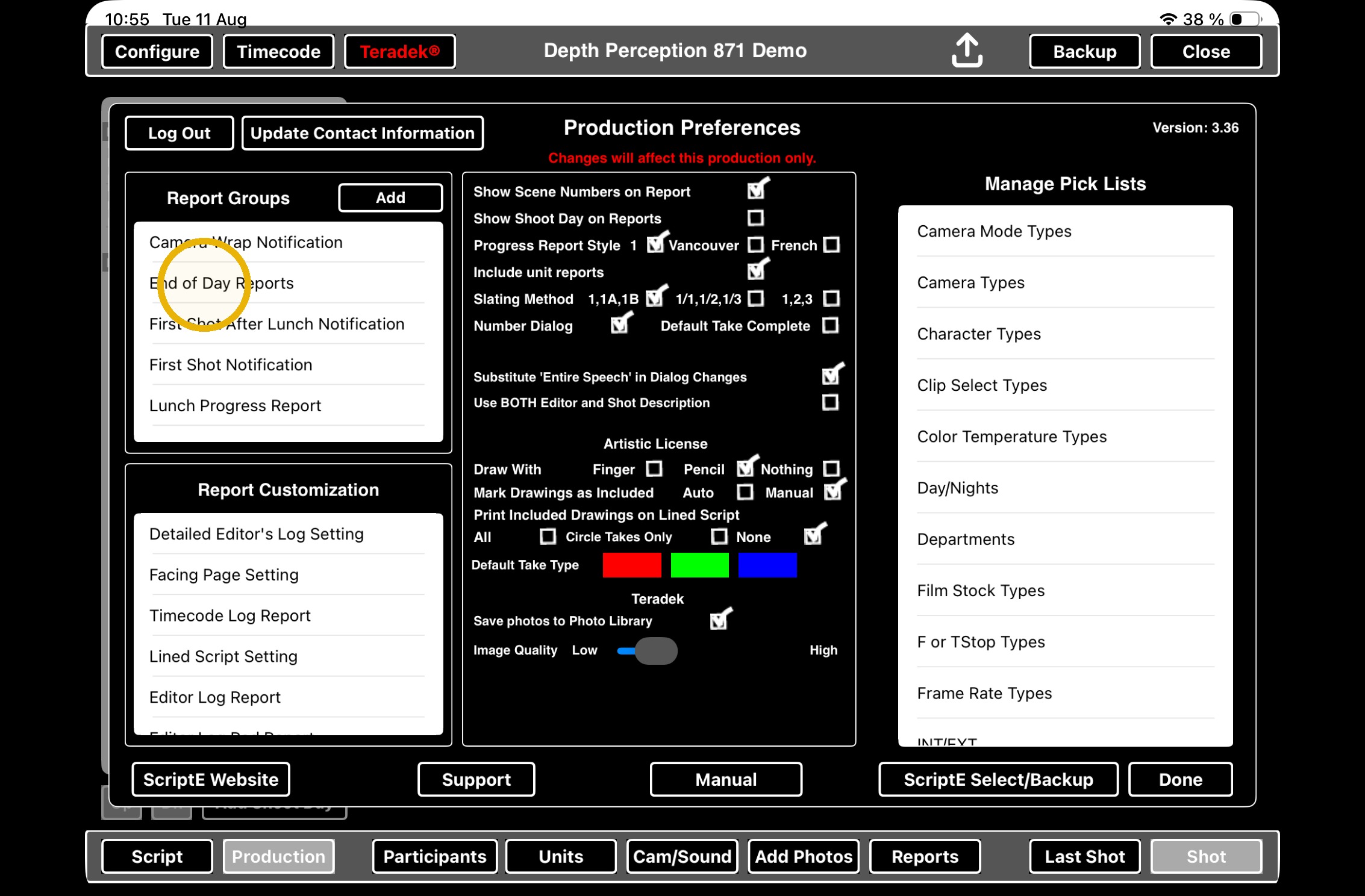
8. Select the report group you want to edit.
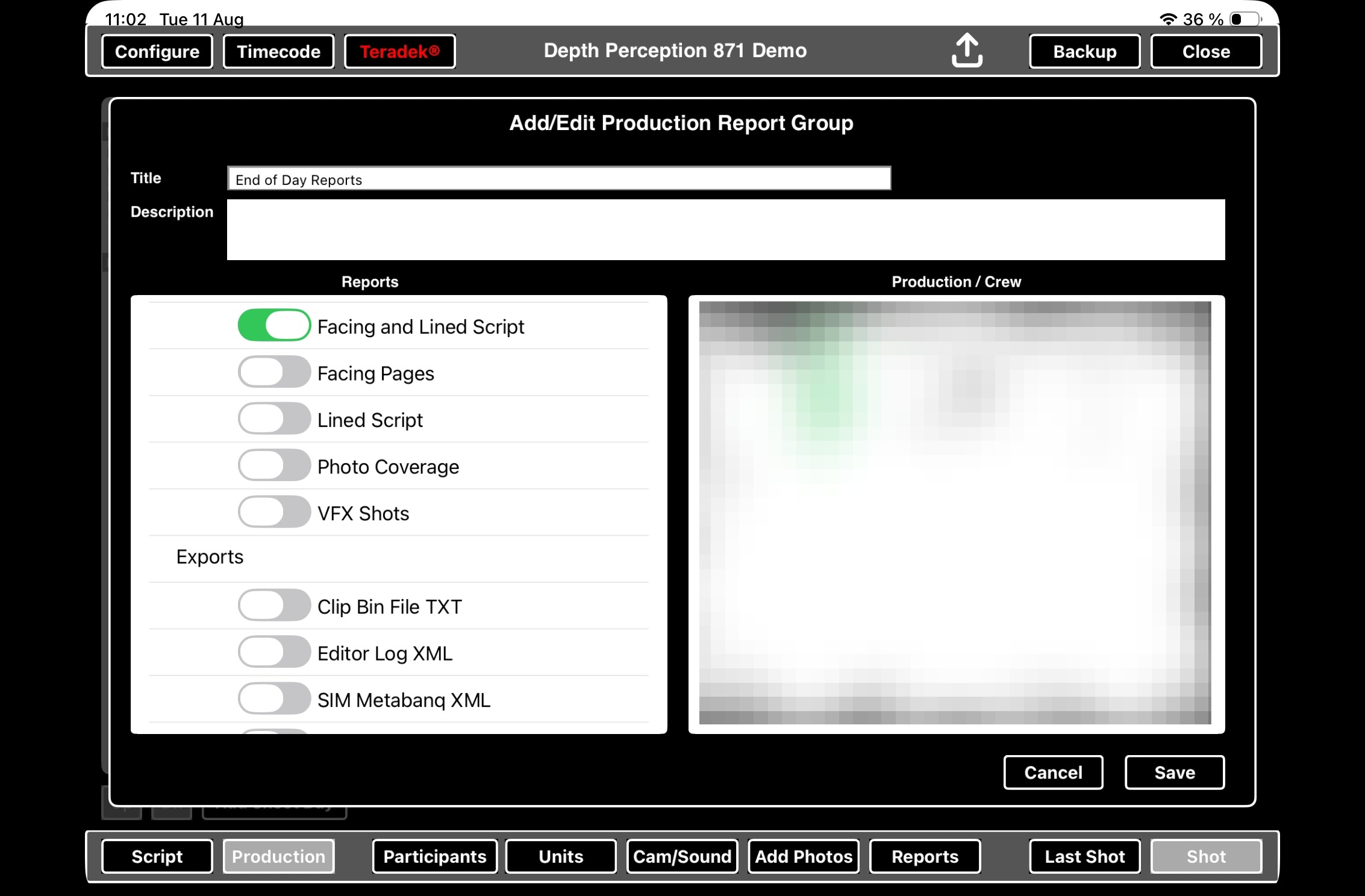
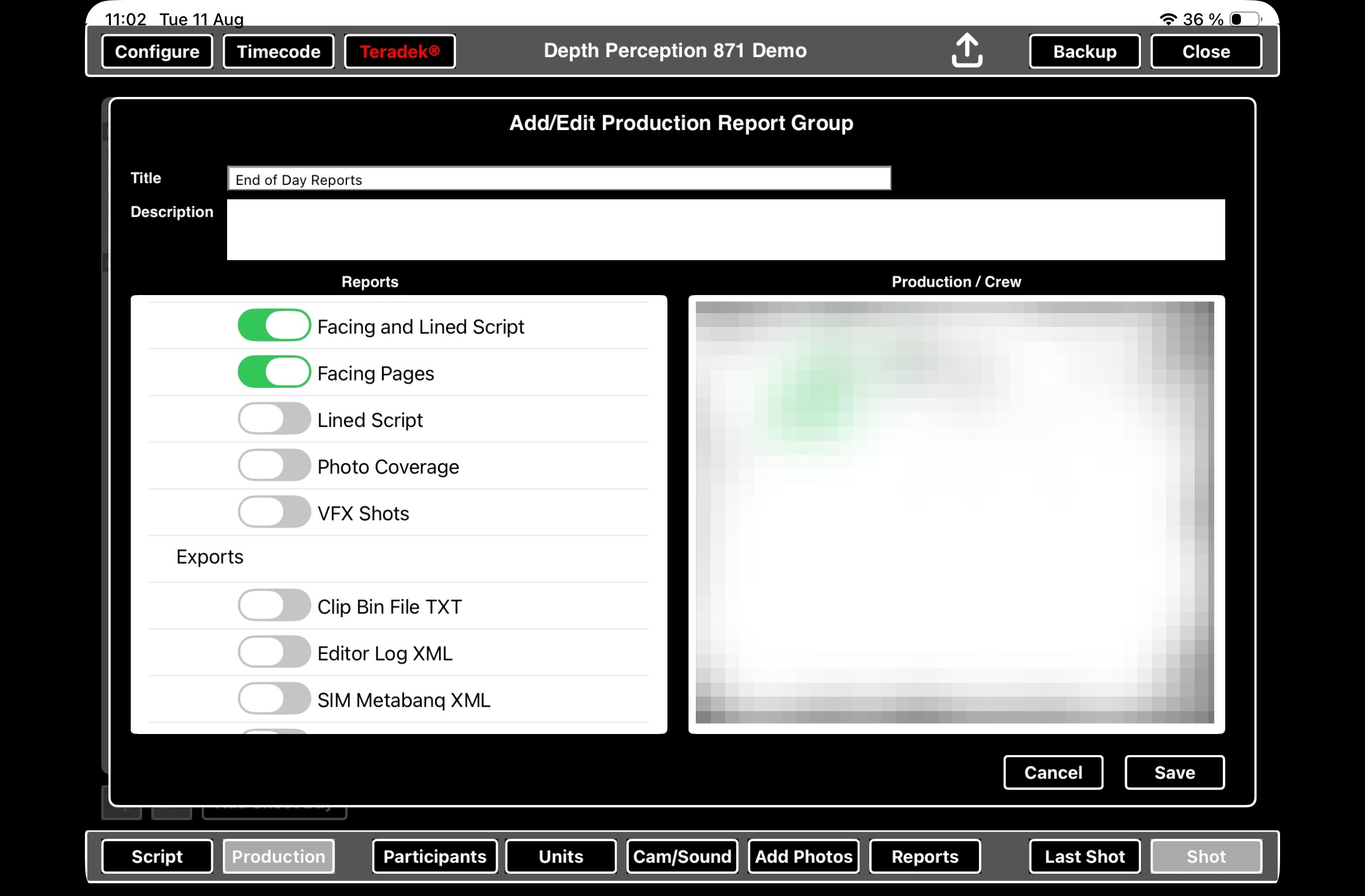
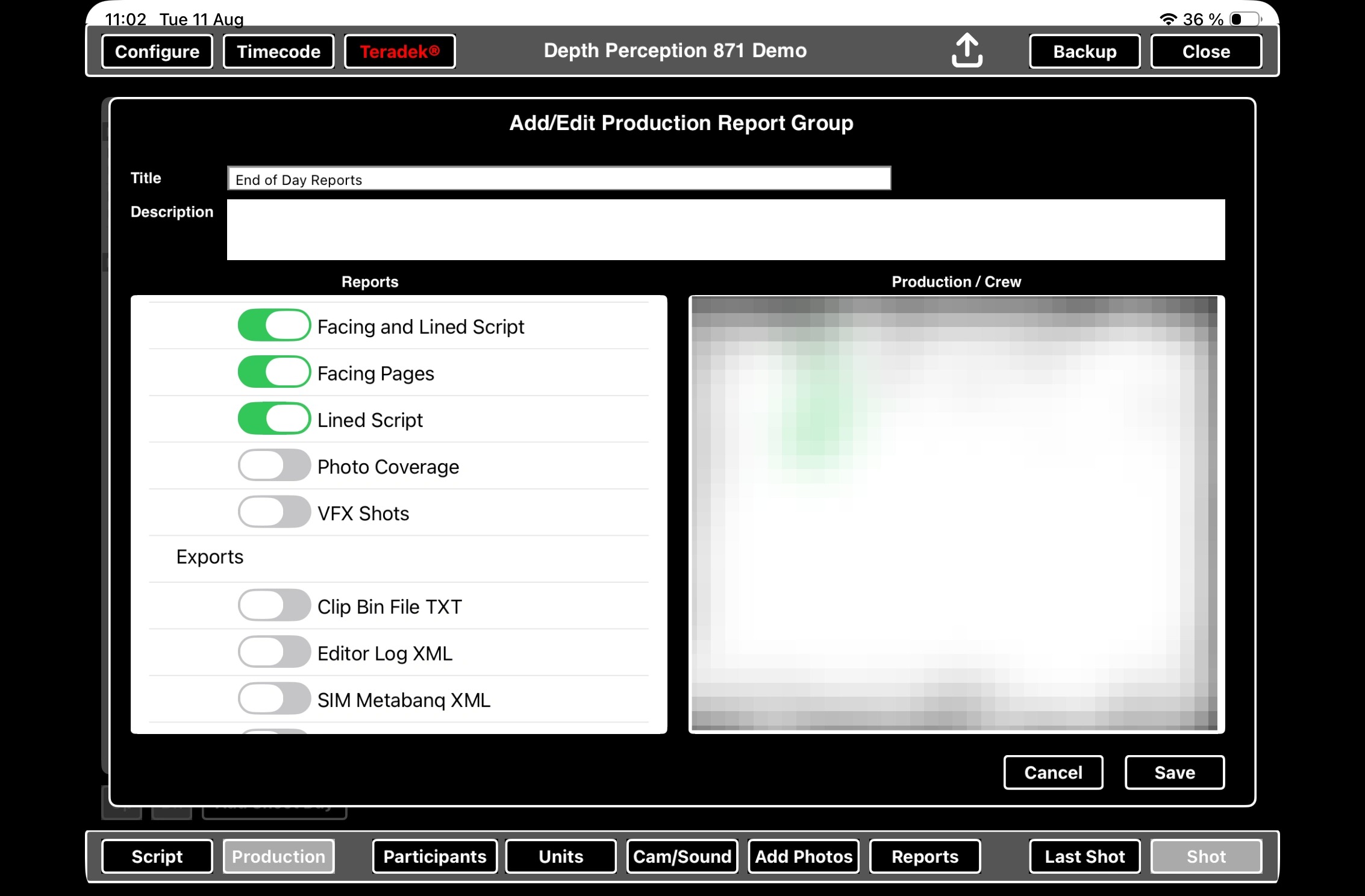
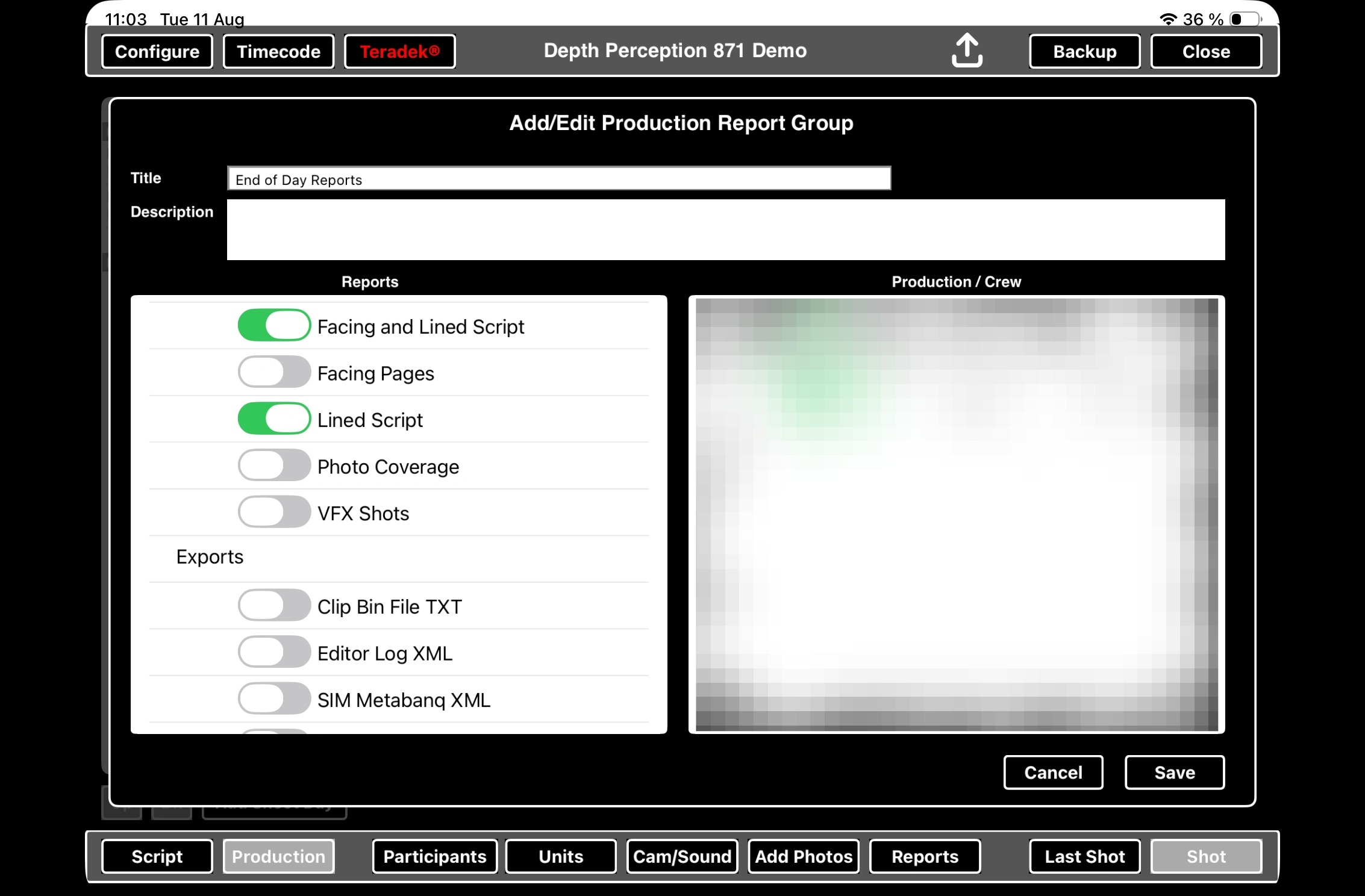
9. Scroll down to find toggles for Facing Pages and Lined Script
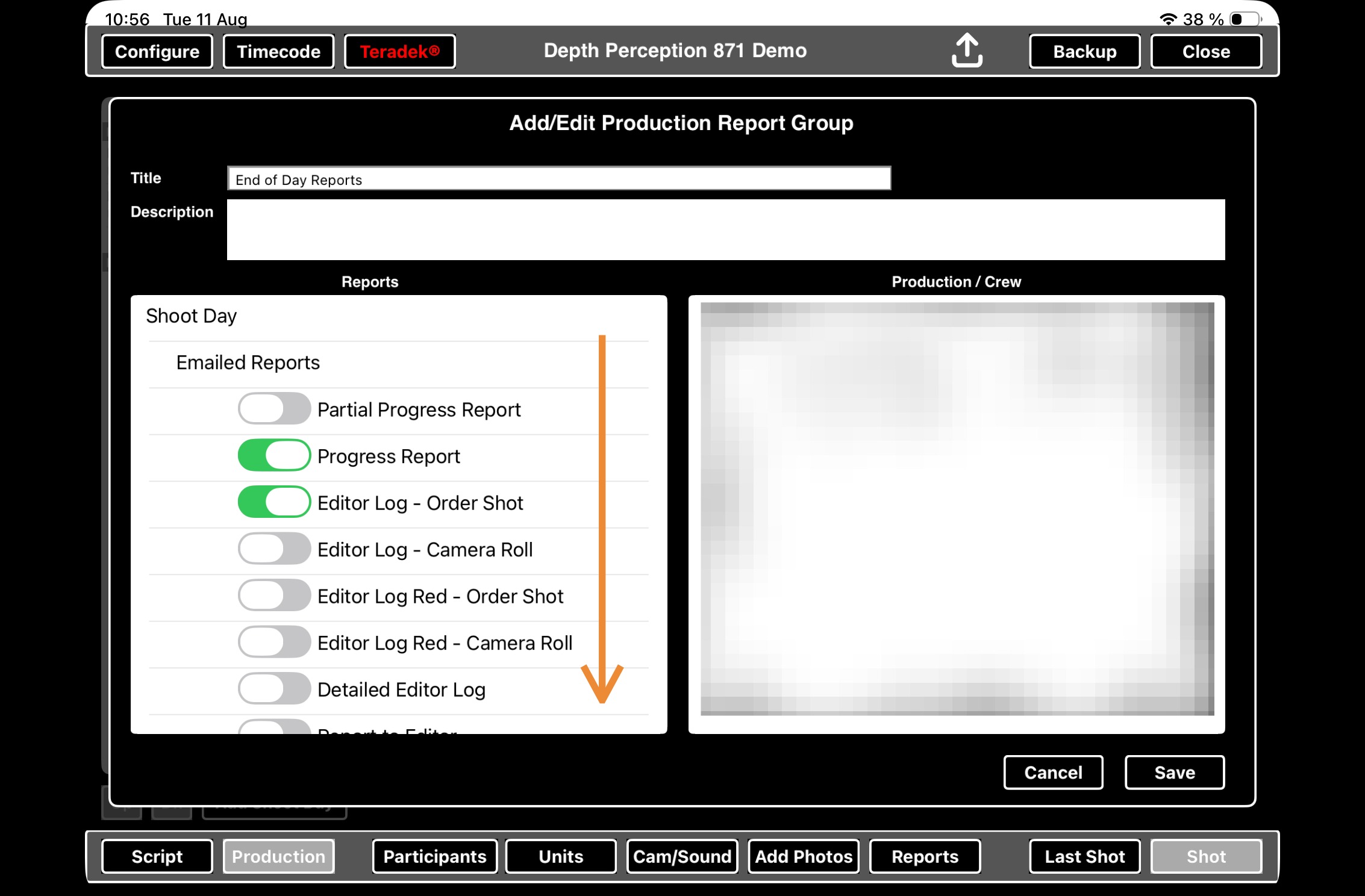
10. Toggle the combination of Facing Pages and Lined Script as you please. ScriptE will attach the toggled versions to the report group email.