
1. Change camera line colors
1. Tap CONFIGURE
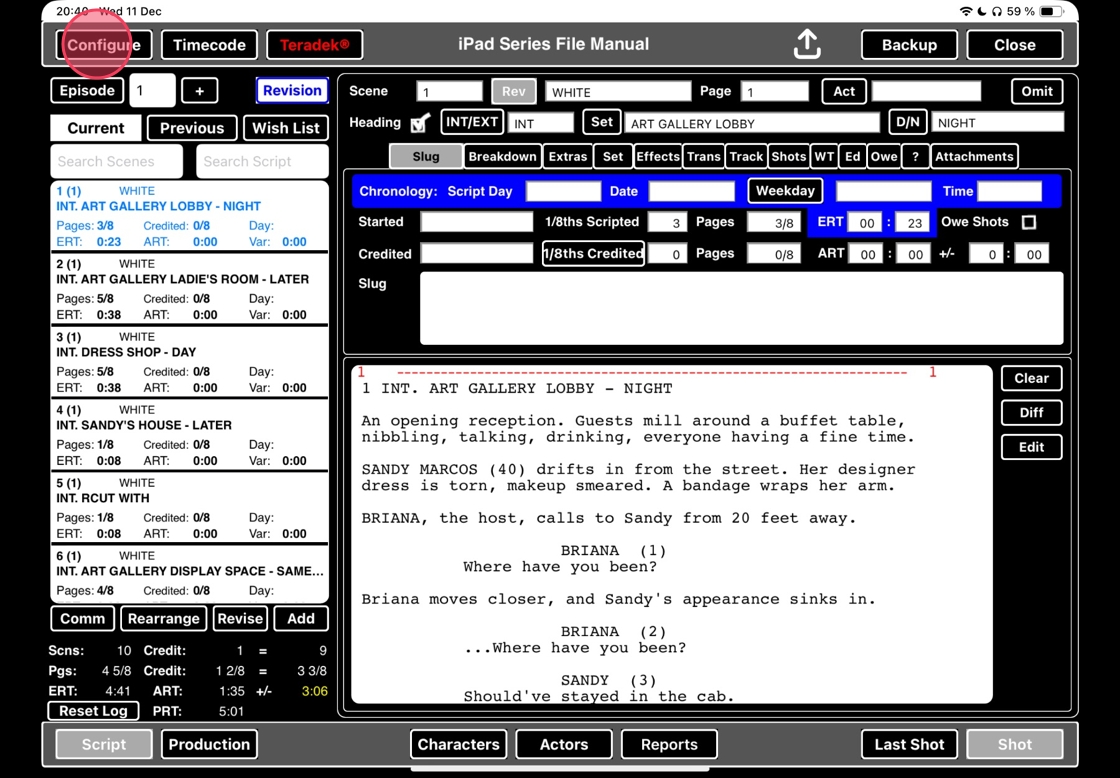
2. Select CAMERA TYPES

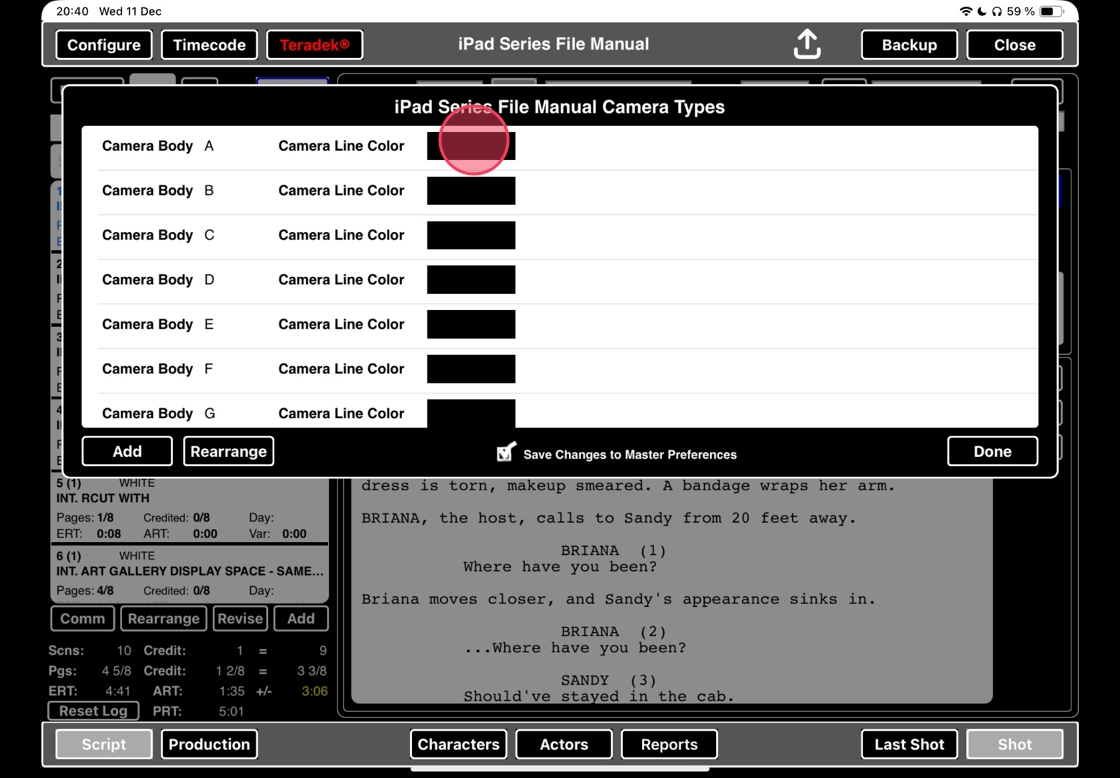
3. Select the black box next to the camera.
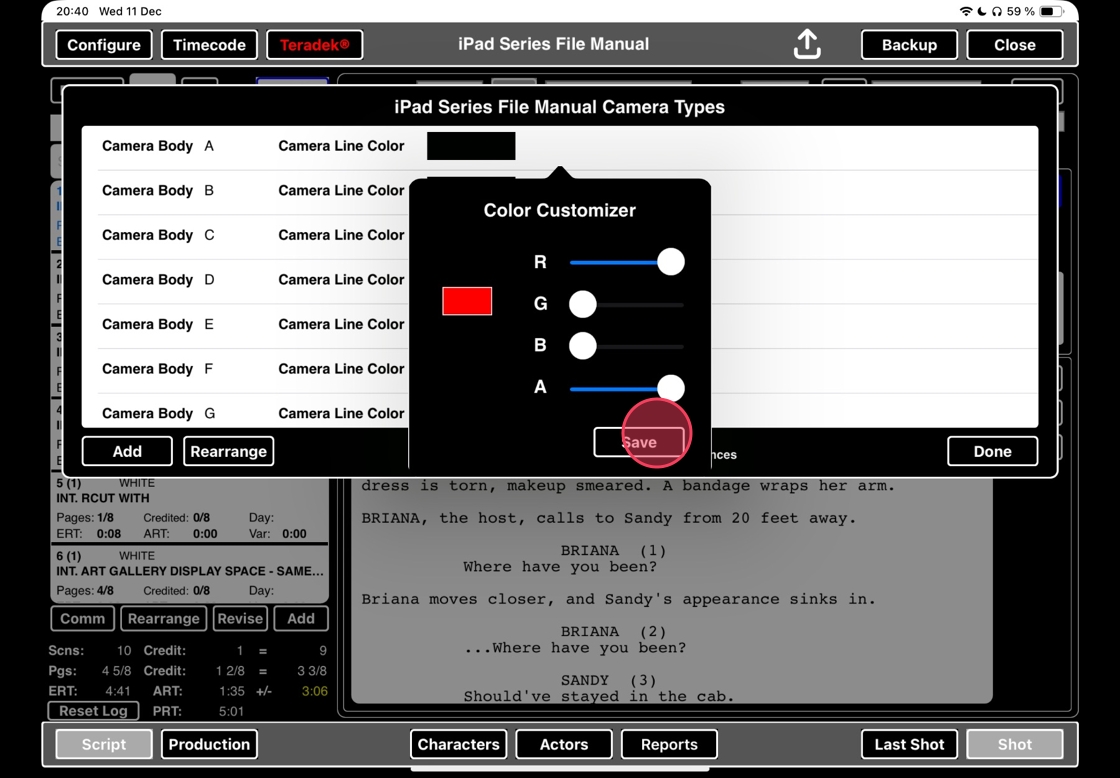
4. Pull on the three color adjustors.
R = Red
G = Green
B = Blue
A = Transparancy

5. When you´re happy with the color, tap SAVE.
6. Continue this for all cameras you want to change the line color for. When you´re happy, tap DONE.
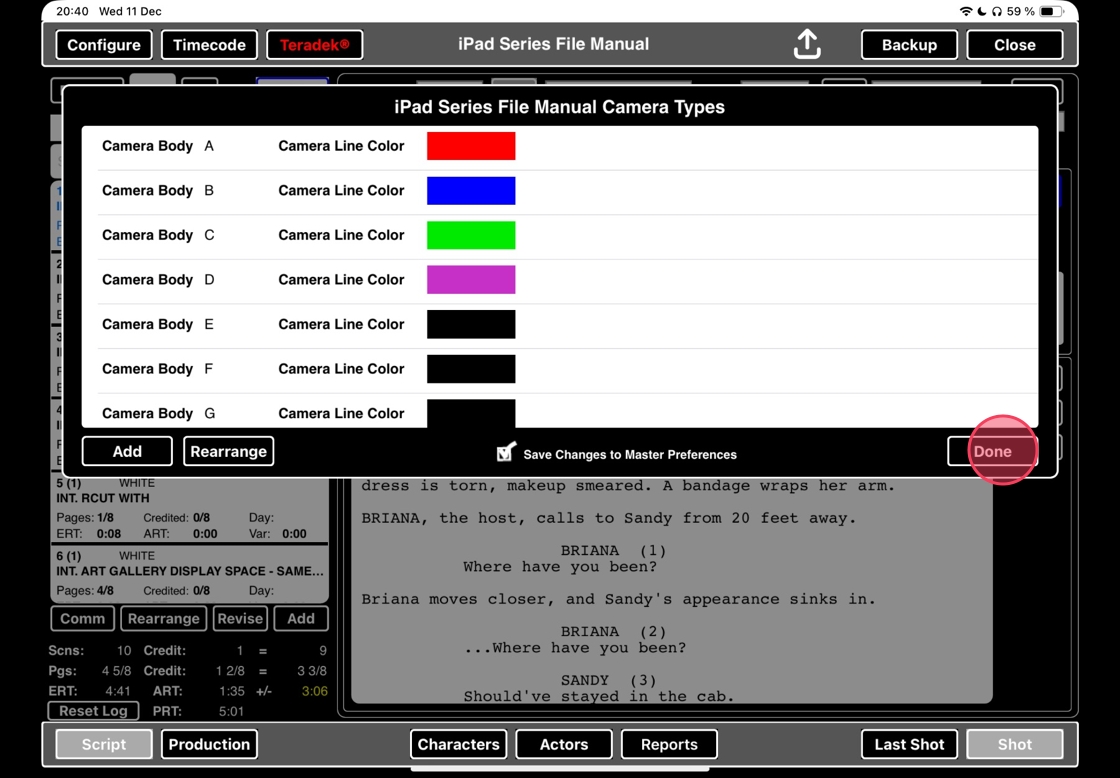
7. Based on the color you selected for each camera, each camera line will now have that color.

